Support and diagnose devices without physical access
|
Investigate device behavior remotely
Access devices securely on demand
Resolve issues quickly and reduce truck rolls |

On-Demand Support Features
Diagnose, troubleshoot, and support devices remotely without field visits
Give your support and operations teams instant visibility and remote access so issues can be resolved quickly without sending technicians on-site.
Support in-field devices without sending people into the field
As fleets grow, in-field troubleshooting becomes costly, slow, and difficult to scale. On-Demand Support Features give teams controlled ways to observe device behavior, analyze network traffic, gather system details, and remotely access devices—without needing public IPs, agents, or special networking hardware.
These capabilities help teams diagnose issues faster, reduce truck rolls, and extend the lifetime of deployed devices.
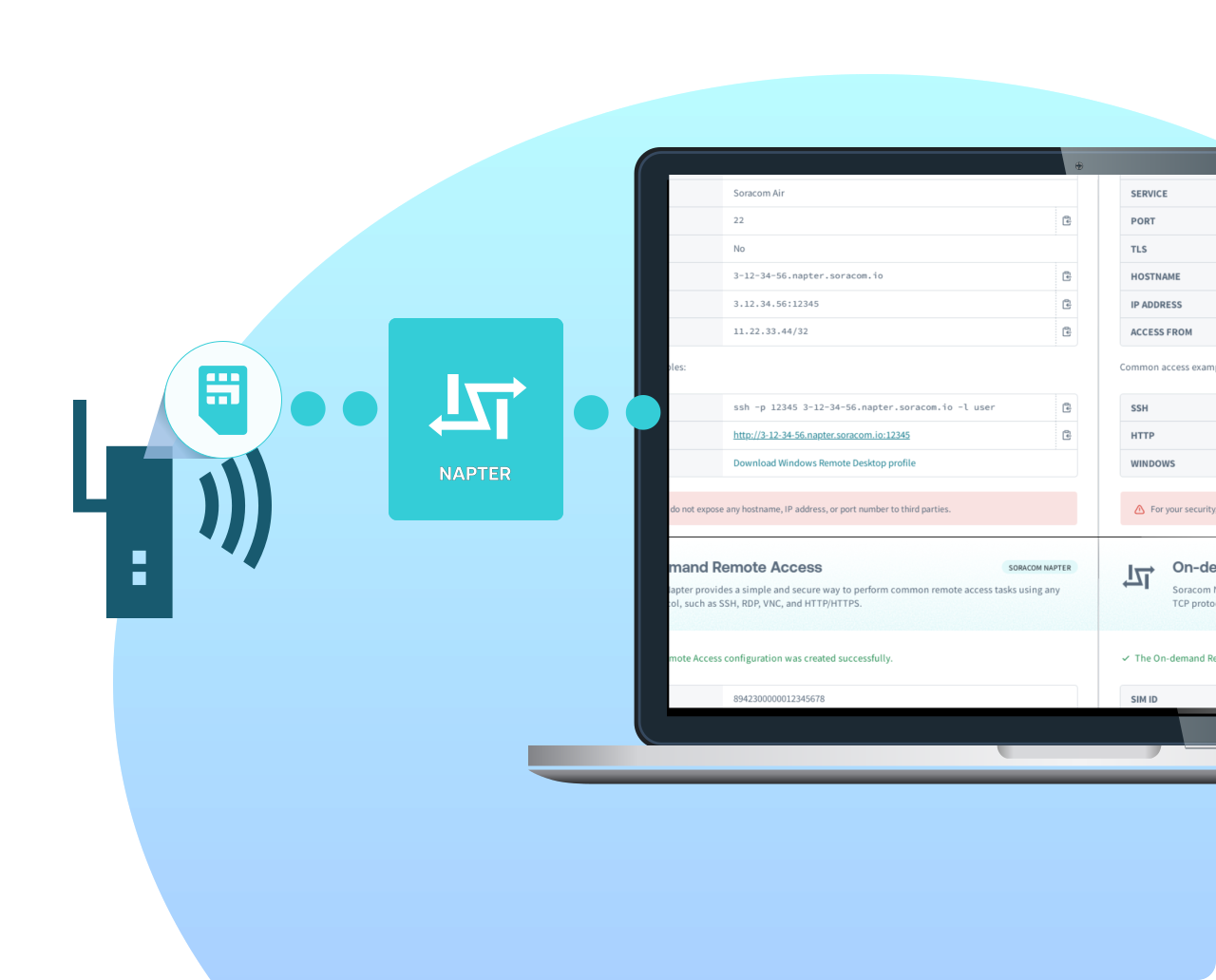
Tools designed to help support teams move faster
Simplify in-field troubleshooting with safe, controlled access and detailed diagnostics
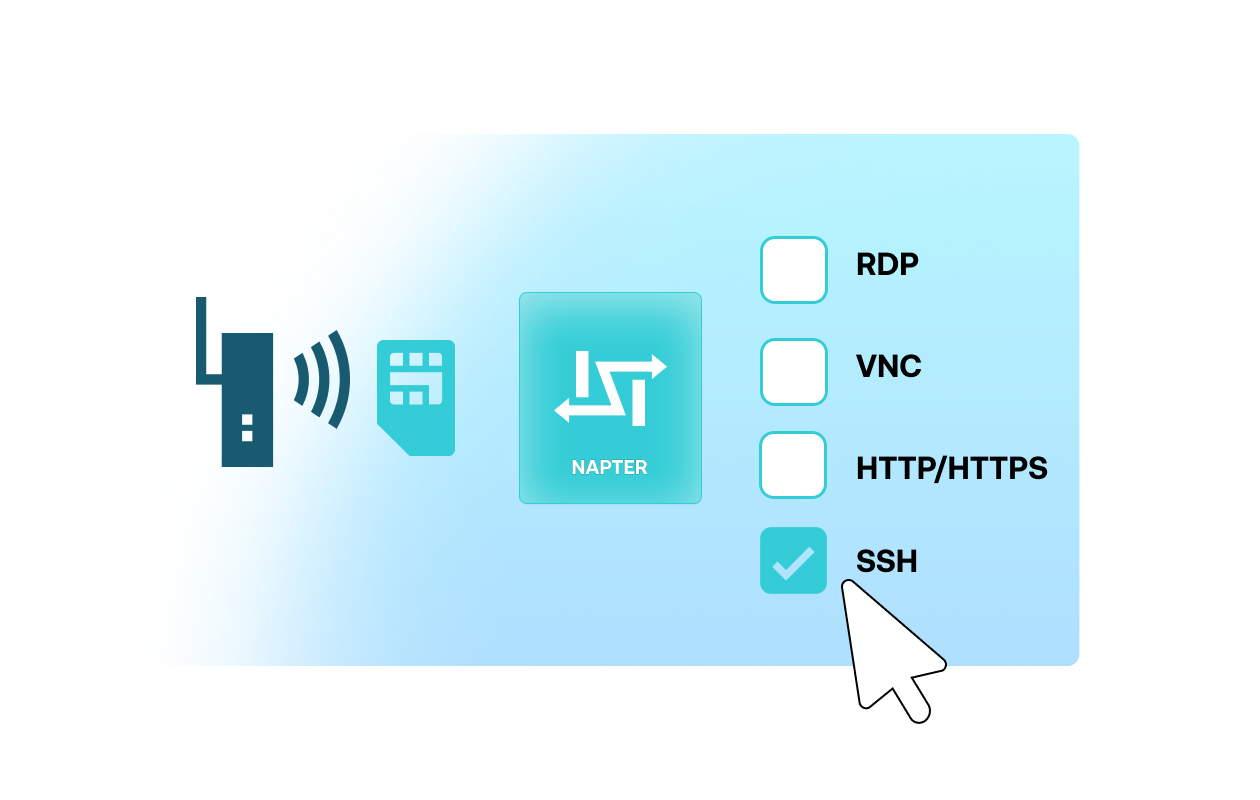
Remote access without public IPs or inbound ports
Access devices instantly using time-bound, on-demand sessions—even when they sit behind NAT, private APNs, private gateways, or firewalled environments. Sessions require no agents, no static IPs, and no persistent exposure.
Example:
A technician can SSH into a field device for five minutes to pull logs and validate behavior, then the session closes automatically.
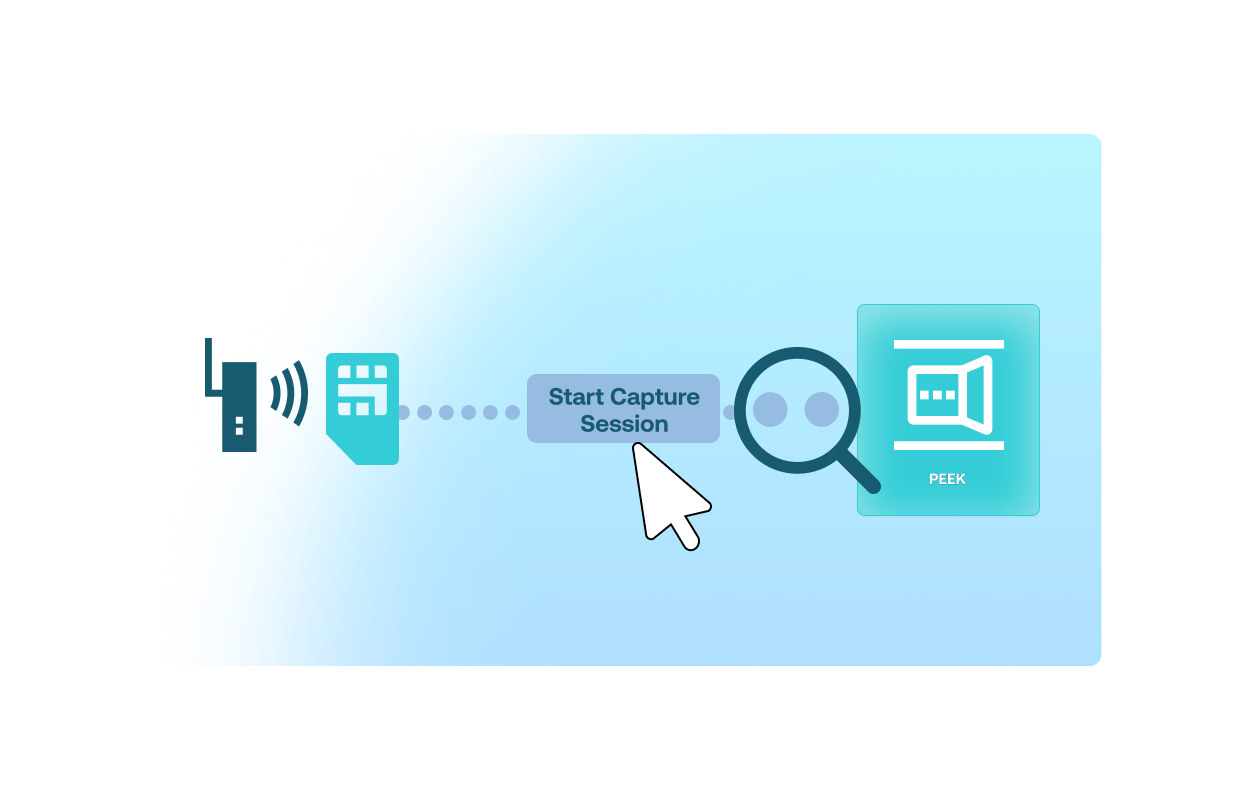
Inspect or mirror traffic directly from the platform
Capture or mirror network packets for any SIM or group of SIMs without installing tools or connecting hardware in the field. Useful for diagnosing unexplained data usage, protocol issues, or unexpected device behavior. (Soracom Peek, Soracom Junction)
Example:
Support teams can open a 5-minute packet capture to analyze malformed payloads or verify communication patterns.
What support teams normally struggle with
|
No way to reach devices on closed networks
Limited visibility into what devices are actually doing
Debugging requires on-site visits
Slow resolution times drain support capacity |
Diagnose networks and devices with precision
Packet capture for precise debugging

Capture all IP traffic from selected devices without touching firmware
- Analyze payload format
- Identify unexpected traffic
- Validate routing behavior
Traffic mirroring and analysis

Mirror packets to external tools or SIEM systems for deeper investigation.
- Deep packet inspection
- Compliance validation
- Forensics and anomaly detection
Resolve issues immediately with safe, temporary access
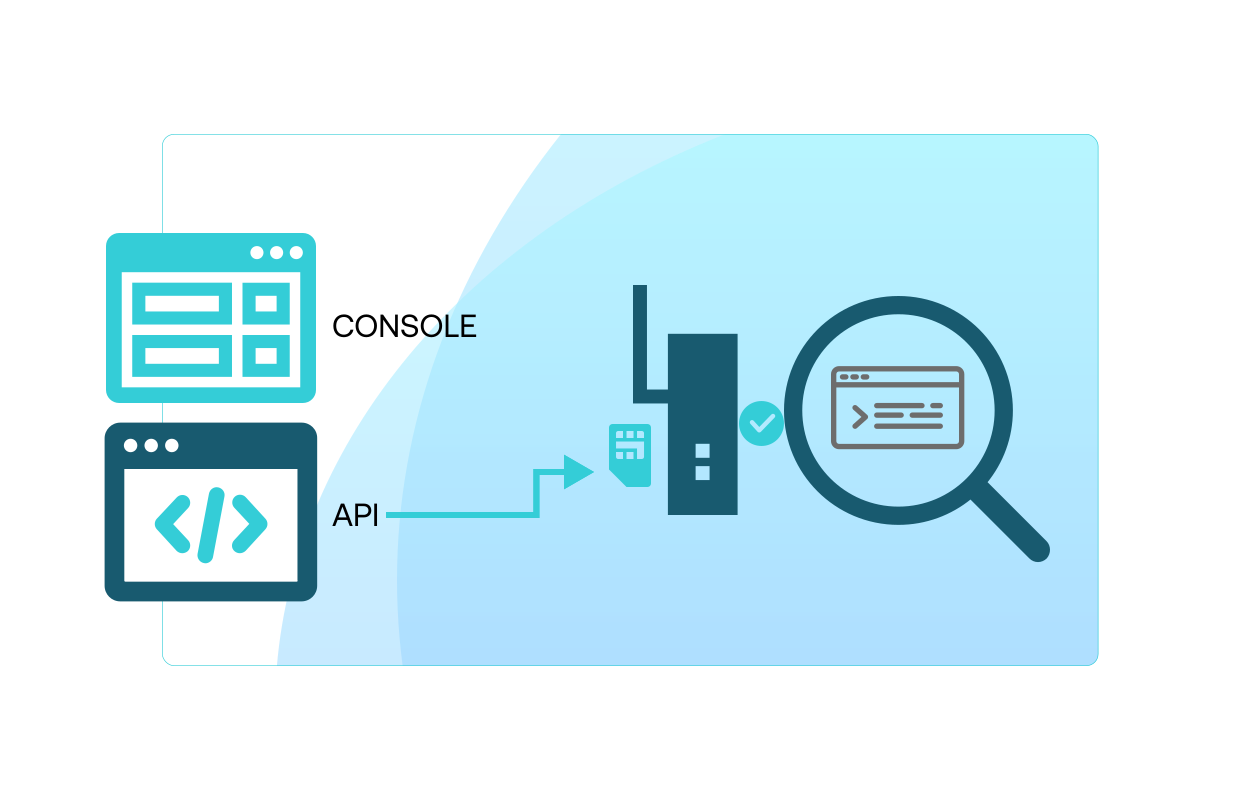
Time-bound access sessions for secure remote troubleshooting
Open a temporary portal to access a device as if it were local—ideal for checking logs, restarting services, or validating behavior.
Additional tools support teams rely on
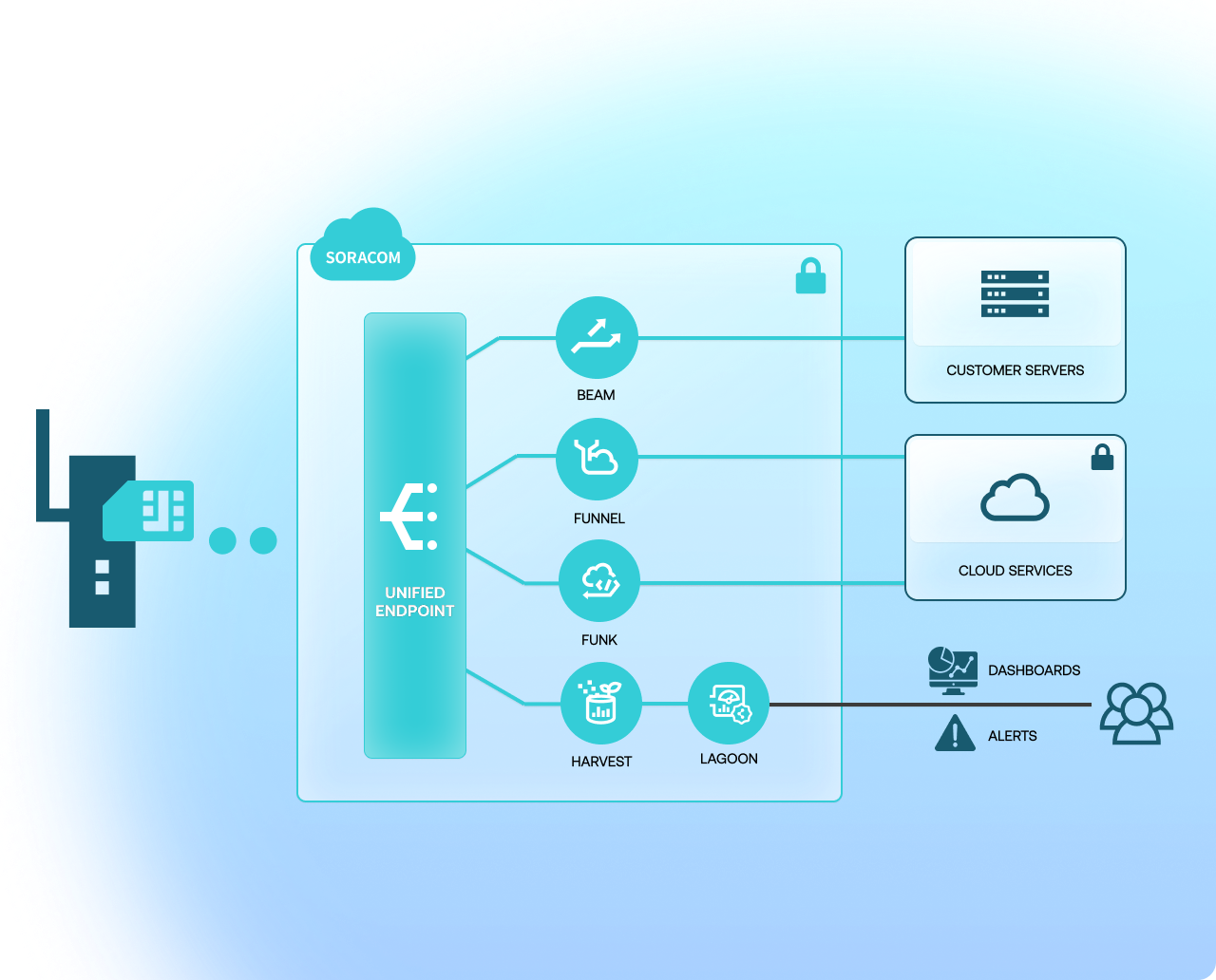
A single endpoint to simplify troubleshooting
Giving your devices a single, stable endpoint while letting you change downstream processing in the Soracom platform greatly simplifies mixed-device deployments. This reduces configuration complexity and makes it easier to test or roll out new services over time.
-
Unified Endpoint feature highlights:
- One endpoint to manage
- Reduce misconfigurations
- Simplifies test workflows

Talk to a support engineer about your remote troubleshooting needs
Get help designing remote support workflows, reducing truck rolls, or setting up packet visibility for your fleet.
Frequently Asked Questions
How can I access devices that don’t have public IPs?
You can create a temporary, time-bound access session that works through NAT, firewalls, or private gateways without changing device networking (Soracom Napter).
Can I capture device traffic without installing tools on the device?
Yes. Packet capture happens at the network layer, meaning devices do not need agents or special software (Soracom Peek).
How long do packet capture sessions last?
You can capture traffic for up to 24 hours, and download the resulting PCAP file for offline analysis (Soracom Peek).
Can I mirror device traffic to my own monitoring or SIEM tools?
Yes. You can mirror or redirect packets to analytics platforms, intrusion detection tools, or custom systems (Soracom Junction).
Is remote access persistent using Soracom Napter?
No. Remote access is always temporary and expires automatically, reducing exposure and eliminating the need for static IPs or firewall exceptions (Soracom Napter).
What protocols can I use during remote access?
SSH, RDP, VNC, HTTP/HTTPS, or any protocol supported by the device.
Can support teams troubleshoot devices on private APNs or isolated networks?
Yes. Remote access sessions work even when devices are behind private gateways or have no internet access (Soracom Napter + VPG).
How does traffic inspection help reduce truck rolls?
Teams can identify routing issues, malformed payloads, and connectivity problems remotely before deciding whether on-site intervention is necessary.
Can these support features be used during development and production?
Absolutely. They are designed to help during development, staging, and full-scale deployment to ensure consistent diagnostics and fast support response.