
SIM Lifecycle Management and Administration
Track data usage, receive alerts, and trigger automated actions through the Soracom User Console.

Take Full Control of Your Connectivity
Automate, monitor, and secure your fleet at scale without submitting support tickets or picking up the phone.
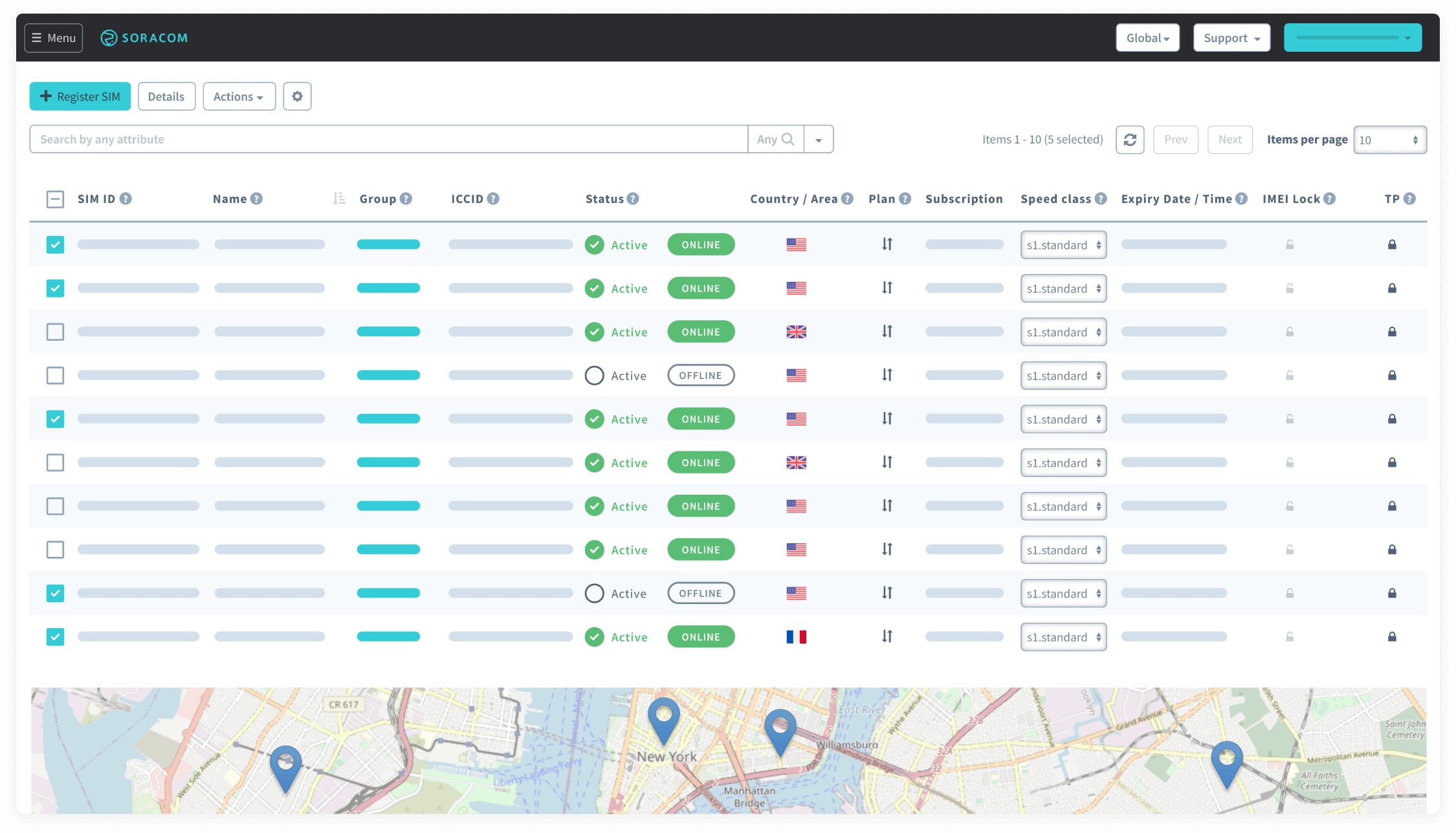
Organize, Monitor, and Manage SIMs from One Place
Organize SIMs in the User Console or via API. Activate, suspend, or terminate based on business needs. Tag and group devices for visibility.
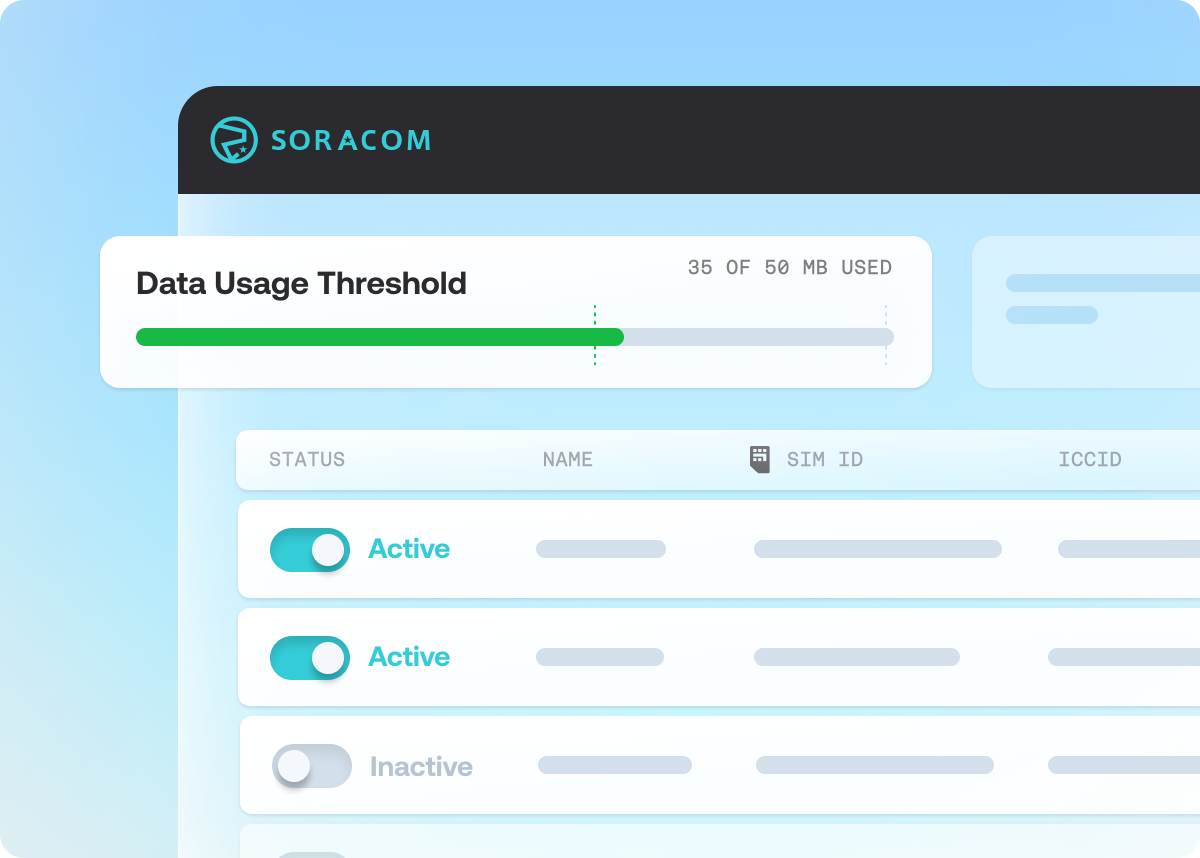
Set Usage Policies to Prevent Data Overages
Set alerts and automated actions based on usage thresholds using policy management and automation within the Soracom Event Handler.

Create rules to monitor usage
and trigger programmable actions
Event Handler is a powerful administrative tool that automates oversight and eliminates overages
What are examples of Event Handler workflow configurations?

Disable SIMs that Use More than 25MB in a Month
Any SIM using more than 25MB in a month will be automatically deactivated, an email alert will be sent with its details, and the SIM will be reactivated at the start of the next month.

Downgrade Speed for One Day When 100MB Is Consumed
This event handler configuration will execute a series of actions when a specific subscriber exceeds 100MB of data usage.

Send Slack Notifications on Speed Class Change
This Event Handler configuration will send a message to a Slack channel using Slack's incoming webhooks API when a SIM's Speed Class is changed.
Programmable Triggers
SIM / Subscriber First Data Traffic
Executes when a subscriber or SIM sends or receives data for the first time after the event handler is created.
SIM / Subscriber Daily Total Traffic
Executes when a SIM or subscriber's daily data usage exceeds a specified value.
SIM / Subscriber Monthly Total Traffic
Executes when a SIM or subscriber's monthly data usage exceeds a specified value.
SIM / Subscriber Cumulative Total Traffic
Executes when a SIM or subscriber's lifetime cumulative data usage exceeds a specified value.
SIM / Subscriber Status Attribute
Executes when a SIM or subscriber's status changes and (optionally) matches a specified source (before) and/or target (after) value.
Subscriber Speed Class Attribute
Executes when a SIM or subscriber's speed class changes and (optionally) matches a specified value.
SIM / Subscriber Expired
Executes when a SIM or subscriber expires based on its Expiration settings.
SIM / Subscriber IMEI mismatched
Executes when the IMEI of the device using the SIM does not match the SIM or subscriber's IMEI Lock settings.
SIM Group or Operator Daily Total Traffic
Executes when the total daily data usage across all SIMs and subscriptions exceeds a specified value.
SIM Group or Operator Monthly Total Traffic
Executes when the total monthly data usage across all SIMs and subscriptions exceeds a specified value.
Operator Monthly Bill Amount
Executes when the current month's bill total exceeds a specified value.
Automated Actions

Send an Email
Send an email to a specified email address.

SIM Activation
Set the SIM's status to Active.
SIM Deactivation
Set the SIM's status to Inactive.

SIM Standby
Set SIM's status to Standby.

Suspend
Set SIM's status to Suspended.

Change SIM Speed Class
Change the SIM's speed class.

Execute Web Request
Execute a specified HTTP request.

Invoke AWS Lambda
Invoke a specified AWS Lambda function.

Built-in Security for SIMs and Devices
Prevent unauthorized use and assign SIMs to devices you trust.

Avoid Abuse and Lock SIMs to Specific Devices
If you’re concerned about unauthorized users moving a physical SIM to another device, limit SIM cards to be used only in the devices they’re intended for with IMEI lock from the user console. For additional security use CHAP authentication to add an extra layer of username and password authentication on top of SIM authentication.
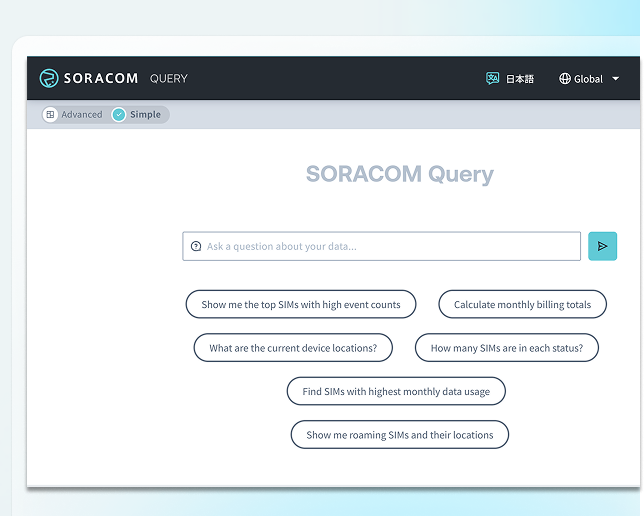
Analyze and Optimize SIM and Network Behavior
Use tools like Soracom Query to evaluate session behavior, usage patterns, and optimize fleet performance using natural language queries.