
Remote Support Tools for Your Deployed Devices
Simplify remote operations with tools that let you securely connect, command, and capture data from devices whenever and wherever you need.
Remote Access Without Static IPs or VPNs
Quickly and securely access and troubleshoot deployed devices in the field without introducing the risks of assigning static IPs or the cost specialized networking hardware to maintain IPsec.

Initiate a Secure SSH Session
The SIM opens a port on the device and provides a secure IP to initiate SSH

Initiate Remote Packet Capture
The platform isolates all packet traffic from a specific SIM and generates a log file to analyze.

Push a Remote Command
Remote Command enables downlink communications from the cloud to IoT devices
Remotely Access and Troubleshoot IoT Devices
Access field devices remotely using SIM-based authentication and temporary encrypted tunnels. No static IPs or external agents required with Soracom Napter.
How Support Teams Use Soracom Napter

Field Device Troubleshooting
A support engineer can open a temporary secure session to a device in the field—such as a smart meter or environmental sensor—to check logs, test connectivity, or verify firmware versions without needing a static IP or VPN.
Remote Configuration Updates
When a customer reports misconfigured settings on an IoT gateway, the support team can use Napter to securely access the device on demand, apply configuration changes, and confirm that the fix works, all without traveling onsite.
Customer Assistance and Training
During onboarding, support staff can connect via Napter to a customer’s newly deployed device to demonstrate commands, verify setup, or walk them through adjustments in real time, ensuring a smooth deployment experience.
Diagnose Network Issues with Real-Time Packet Capture
Monitor and capture device traffic in real time for troubleshooting using on-demand packet capture tools.
Secure Cloud-to-Device Communication
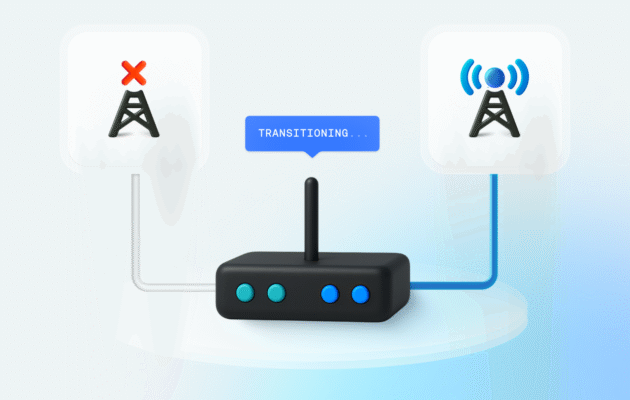
Remote Command enables secure cloud-to-device communication over SSH, HTTP, TCP, UDP, or RTSP without complex configuration. It lets you remotely configure devices, trigger updates, or send commands on demand—even to legacy hardware—directly through the Soracom platform.
Content and image (v1) block here temporarily to prevent Content and image v2 from breaking the page.