
Connectivity Support at Soracom

Support at every stage

One SIM. One platform. And support that stays with you from prototype to production. When questions come up — and they will — you have three ways to move forward fast: self-serve through our Developer Docs, reach our support team directly, or tap into dedicated support for complex deployments.

Soracom’s Customer Reliability Engineering team has helped thousands of IoT deployments across every industry stay connected and on schedule.
Find answers without waiting

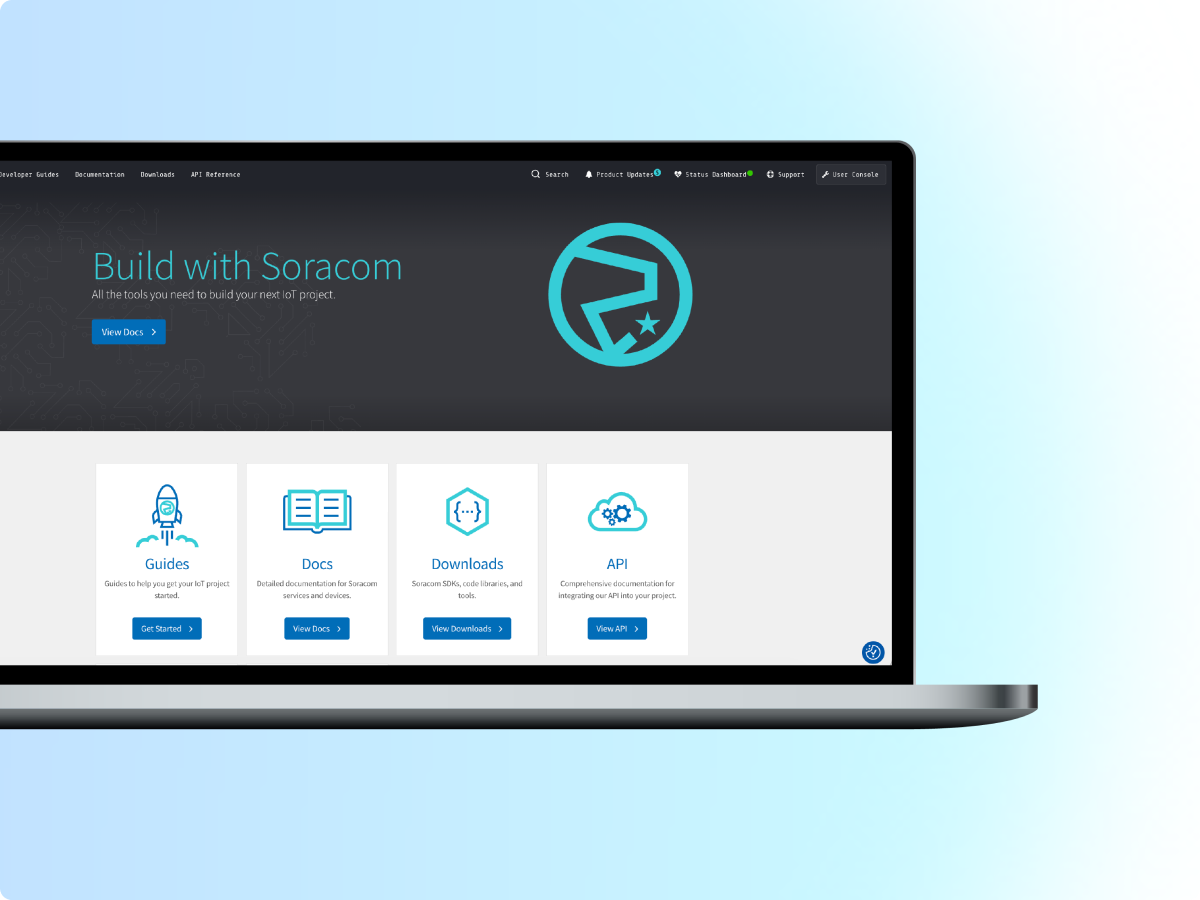
Our Developer Docs give you a deep, searchable library of guides, API references, and how-tos built for builders. Solve most issues on your own schedule, at any hour.

Get a fast response when you need one

Our technical support team is known for actually getting back to you — quickly. Submit a ticket and get a real answer from someone who knows the platform.

Scale confidently with dedicated support

Running a large or business-critical deployment? Dedicated support options give you direct access to specialists 24/7/365 who know your environment and can help you move faster. You can customize severity definitions, pricing, payment and more.

Enterprise support, built around your deployment

We’re ready to discuss your deployment needs and tailor a support plan that fits.

Let's Talk Support

    Frequently Asked Questions

    What support options does Soracom offer for IoT developers?
    Soracom provides multiple layers of support designed to meet the needs of developers, growing teams, and enterprise deployments. All users have access to the Soracom Developer Documentation — a comprehensive resource covering API references, integration guides, quickstarts, and platform services. For hands-on assistance, users can submit support requests directly through the Soracom User Console. Teams with larger or more complex IoT deployments can upgrade to an Enterprise support tier for faster response times and dedicated technical staff.
    What support documentation is available to developers?
    Soracom's basic support plan gives all account holders access to the full Soracom Developer Documentation, the ability to file support tickets through the User Console or via the Soracom Support Bot, and a self-service platform for managing SIMs, monitoring data usage, and configuring connectivity services — all without needing to contact sales. This makes it an ideal starting point for developers prototyping IoT solutions or teams in the early stages of deployment.
    Where can I find technical documentation for Soracom's IoT connectivity platform?
    Soracom's Developer Documentation is available at developers.soracom.io and covers the full range of platform services — including Soracom Air for cellular connectivity, SIM and eSIM management, API references, supported carriers by region, pricing and fee schedules, and platform tools like Soracom Flux. The docs are regularly maintained and serve as the primary self-service resource for developers building and scaling IoT solutions on the Soracom platform.
    What does Soracom Enterprise support offer that other tiers don't?
    Soracom's Enterprise support tier provides full 24/7/365 technical support with dedicated staff, customizable SLAs, and formal root cause analysis reporting for critical incidents. This level of support is built for organizations running large-scale or mission-critical IoT systems where uptime and rapid incident resolution are non-negotiable. Enterprise customers also work directly with Soracom's Customer Reliability Engineering team to address issues involving connectivity, platform services, and deployment architecture.
    How do I submit a support request to Soracom?
    Support requests can be submitted through the Soracom User Console or Developer Portal. When submitting a ticket, selecting the appropriate inquiry category — such as "technical specifications or usage" — may trigger the Soracom Support Bot, which can automatically generate a response based on official documentation. If the bot's response doesn't resolve your issue, you can request a reply from a human support agent directly within the ticket thread. Additional details can be added to an open ticket at any time without needing to create a new request.