What you’d build without Soracom Orbit
|
Implement parsing logic on every device
Build middleware to reformat payloads
Maintain complex cloud ingestion pipelines |

Cloud Service
Soracom Orbit
Payload transformation and data processing service that lets you modify device data at the network edge before it reaches your backend.
Transform device data on the fly without updating firmware or rewriting backend logic
Soracom Orbit allows you to reshape, filter, compress, and enrich device payloads inside the Soracom platform.
Clean, normalize, or reformat payloads before they hit your cloud
Orbit runs lightweight, server-side processing scripts the moment data enters the Soracom network. Use it to decode binary payloads, convert formats (CBOR → JSON, HEX → Base64), remove unused fields, rename keys, apply condition-based logic, or enrich messages with metadata. This lets you maintain clean, consistent data pipelines even across mixed device generations or vendors.

Why use Soracom Funnel for your project?
Offload processing
Avoid complex device logic by handling transformations in the cloud.
Normalize data
Standardize payloads from different vendors or device generations.
Simplify pipelines
Deliver clean, structured data to cloud systems with minimal overhead.
How it works
Transform payloads without touching devices
Run transformation scripts—decode, normalize, or reformat payloads—directly in the network. Update your logic anytime with no firmware updates or field interventions.
Decode binary or proprietary formats
Convert HEX, binary, or custom byte structures into clean JSON using lightweight JavaScript operators. Perfect for legacy hardware or vendor-defined payloads.
Clean and enrich data before it reaches the cloud
Add SIM metadata, device info, timestamps, or computed fields. Remove noisy or unused values to reduce cost and complexity downstream.
Why add Soracom Orbit?
Standardize pipelines
Deliver consistent, predictable data to cloud applications.
Reduce bandwidth
Trim or compress payloads to cut data costs and extend battery life.
Adapt quickly
Update transformations instantly without firmware changes.
Architecture and implementation
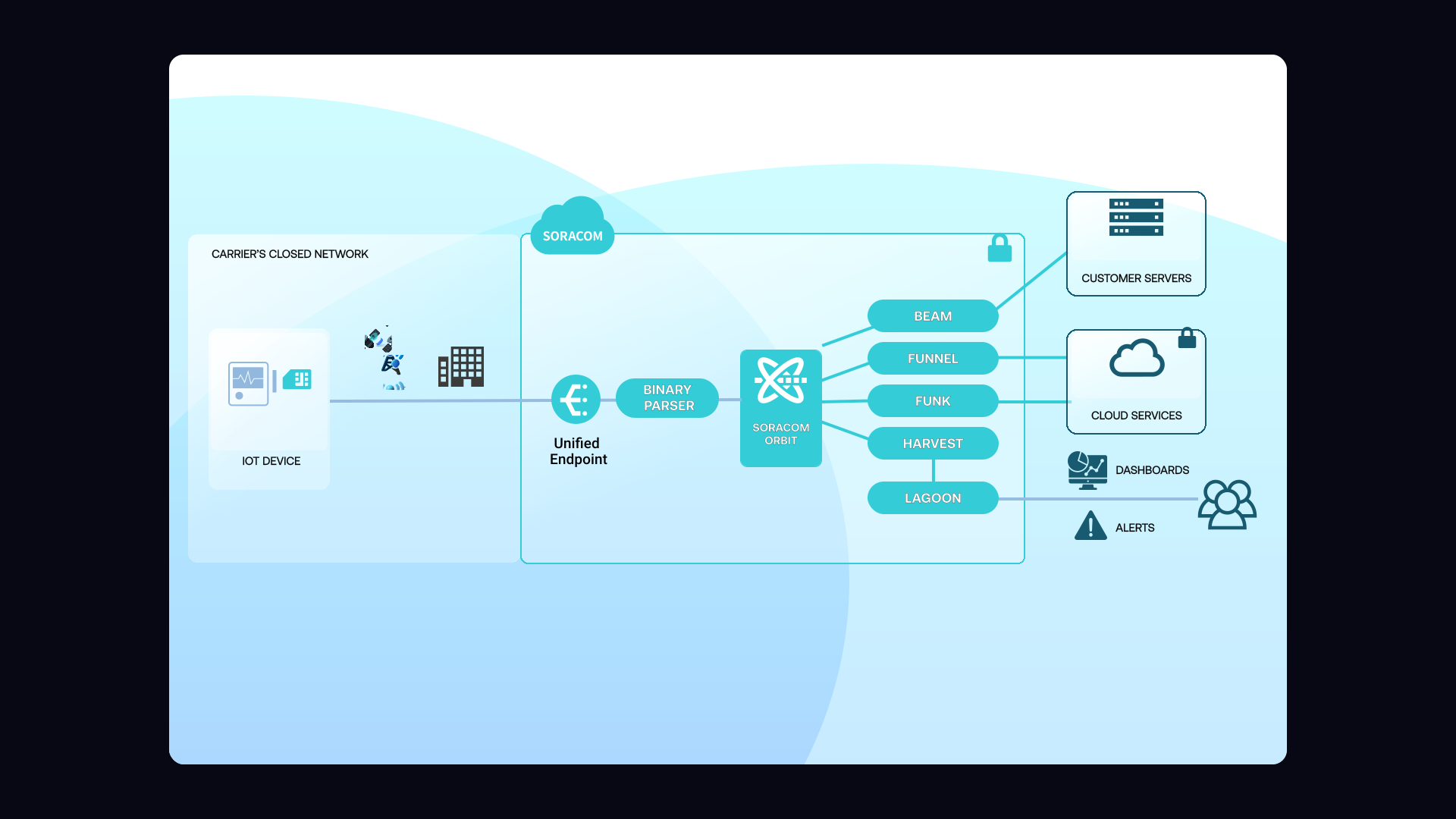
Orbit sits between device uplinks and your selected cloud destination. When data enters the Soracom core, Orbit executes your JavaScript transformation script, modifies the payload, and forwards the processed message to Beam, Funnel, Funk, Harvest, or your API endpoint. This ensures consistent data formats and reduces load on both devices and backend systems.
Step 1
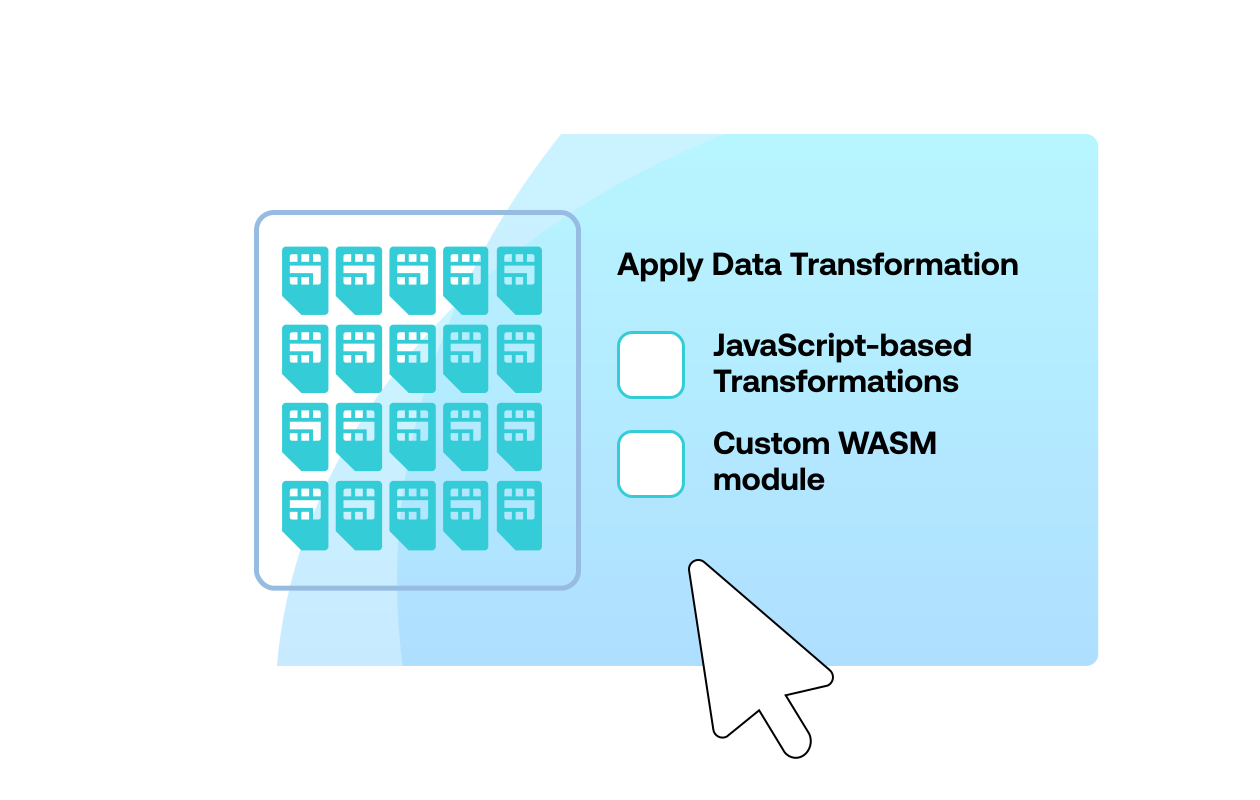
Enable Soracom Orbit for your SIM group and choose your data transformation mode
Open the Soracom User Console and navigate to the SIM group where you want to apply data transformation.
Enable Soracom Orbit in the group settings and select how you want your data to be processed—using JavaScript-based transformations or custom WASM modules that run on the Soracom platform.
Orbit lets you modify, filter, or enrich device data on the fly without updating firmware or deploying edge gateways.
For configuration steps, see the Soracom Orbit documentation.
Step 2
Upload or create your data transformation logic for Soracom Orbit
Create your transformation logic using JavaScript or WebAssembly to parse, reshape, or enrich packets sent from your devices.
Upload your script or module in the Orbit configuration panel, or edit JavaScript directly in the User Console for rapid iteration.
Orbit executes this logic in the Soracom platform, ensuring consistent processing for every device in the SIM group without firmware changes.
Review transformation examples in the Orbit script guide.
Step 3
Validate transformed data and forward it to your cloud or application
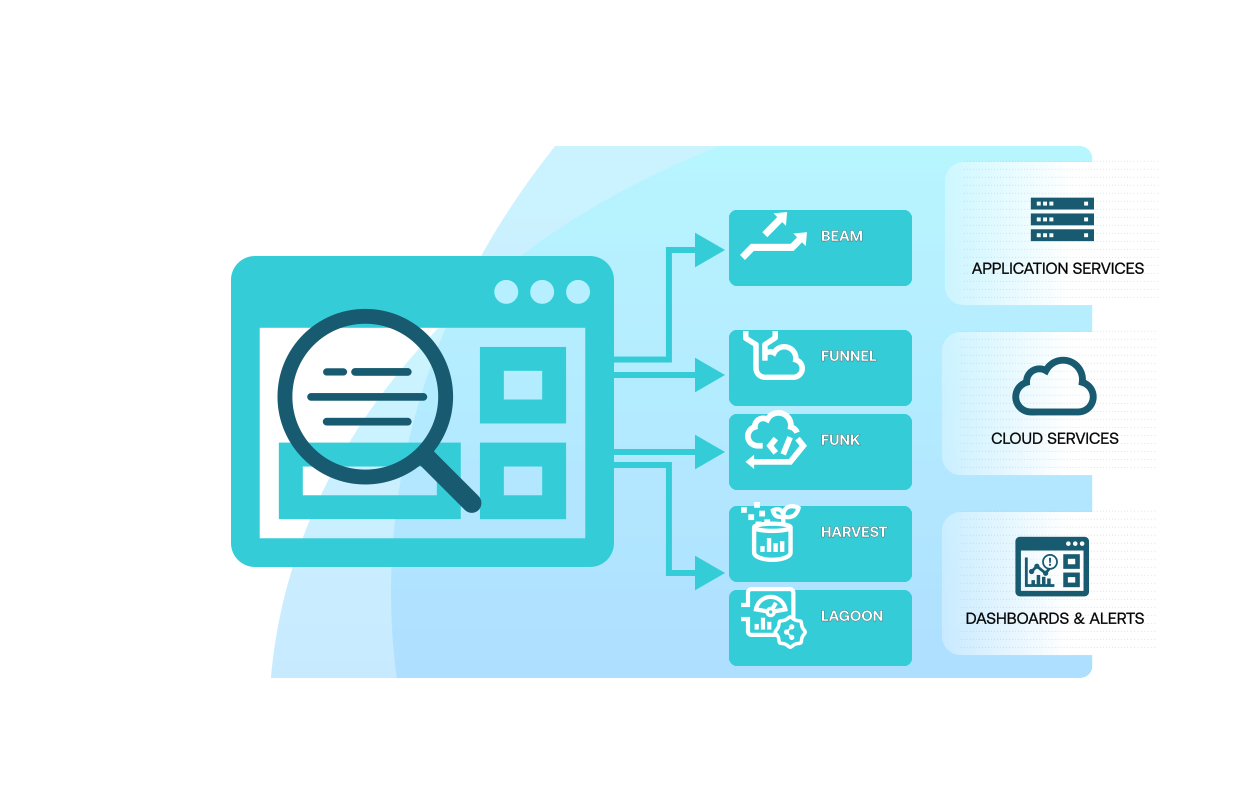
Use the Orbit preview and debug tools to inspect transformed payloads and confirm your script is behaving as expected.
Once validated, forward your processed data to cloud services or applications using other Soracom services such as Funnel, Funk, or Harvest.
Orbit ensures your data arrives in the correct format without requiring device-side changes, simplifying long-term maintenance and fleet updates.
Learn more in the Orbit monitoring and verification guide.
How Soracom Orbit works with other Soracom services
|
Orbit + Beam for protocol conversion
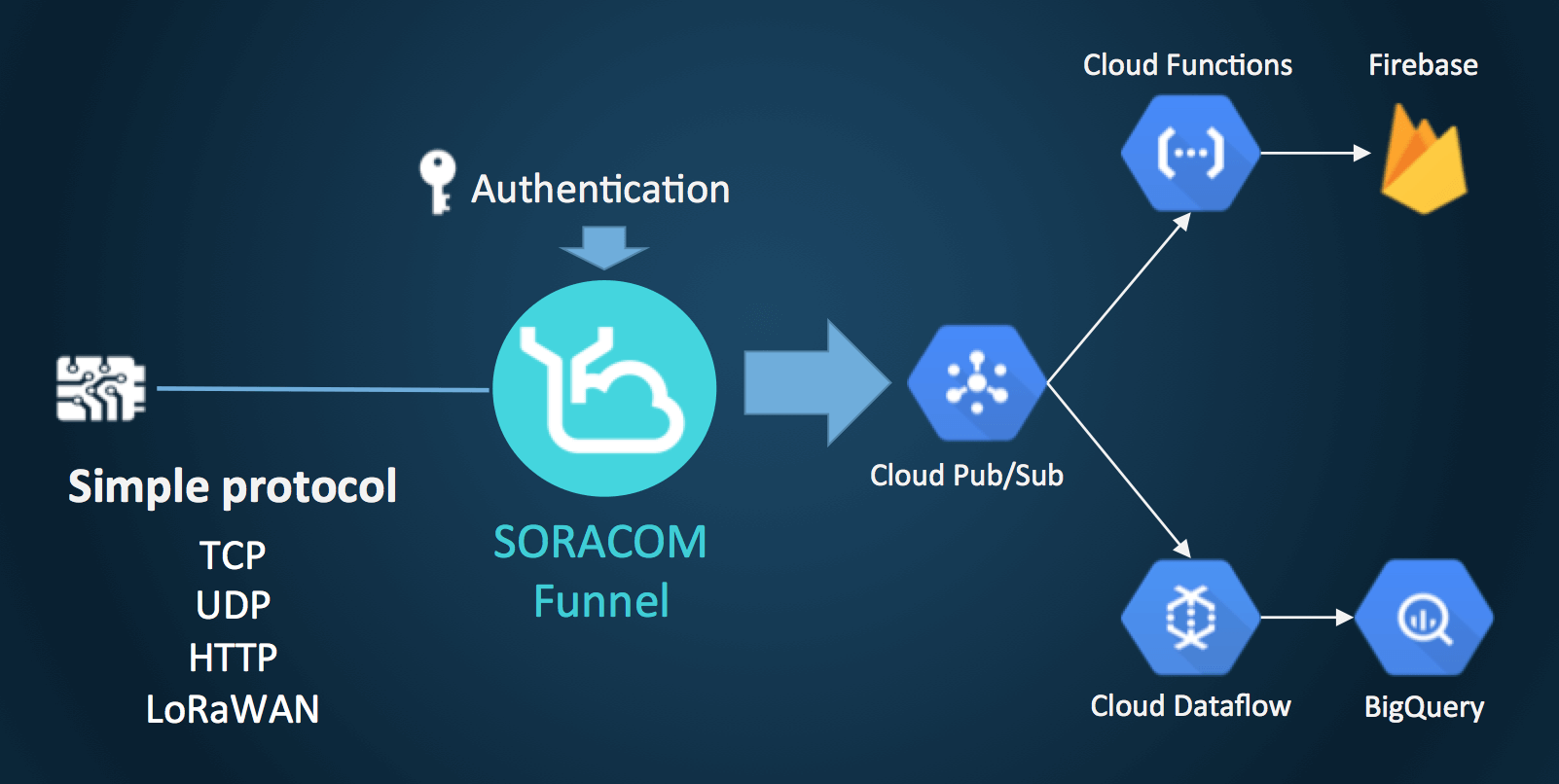
Orbit + Funnel for direct cloud ingestion
Orbit + Harvest/Lagoon for visualization |

Transform your IoT data with Soracom Orbit
Create a free Soracom Operator ID and start reshaping device payloads without firmware updates.
Articles about Soracom Orbit







Frequently Asked Questions
What is Soracom Orbit?
A data transformation feature that modifies payloads on the network before forwarding them to your backend.
Do I need to update device firmware to use Orbit?
No. Orbit operates in the cloud and requires zero device changes.
What services can receive Orbit-processed payloads?
Soracom Beam, Funnel, Funk, Harvest, and any HTTPS endpoint.
Is Orbit good for long-term schema changes?
Yes. It’s ideal for evolving payload formats across mixed or legacy fleets.
What language are scripts written in?
Lightweight JavaScript operators that run inside Soracom’s managed execution environment.
Can Orbit decode binary payloads?
Yes. Orbit is commonly used to decode binary or proprietary formats into JSON.
Does Orbit add latency?
Only a few milliseconds. Processing is designed to be extremely lightweight.