
#
Cloud Service

Soracom Remote Command

Secure down-link command service for cloud-to-device communication

Send commands to devices securely from the cloud without exposing them to the public internet

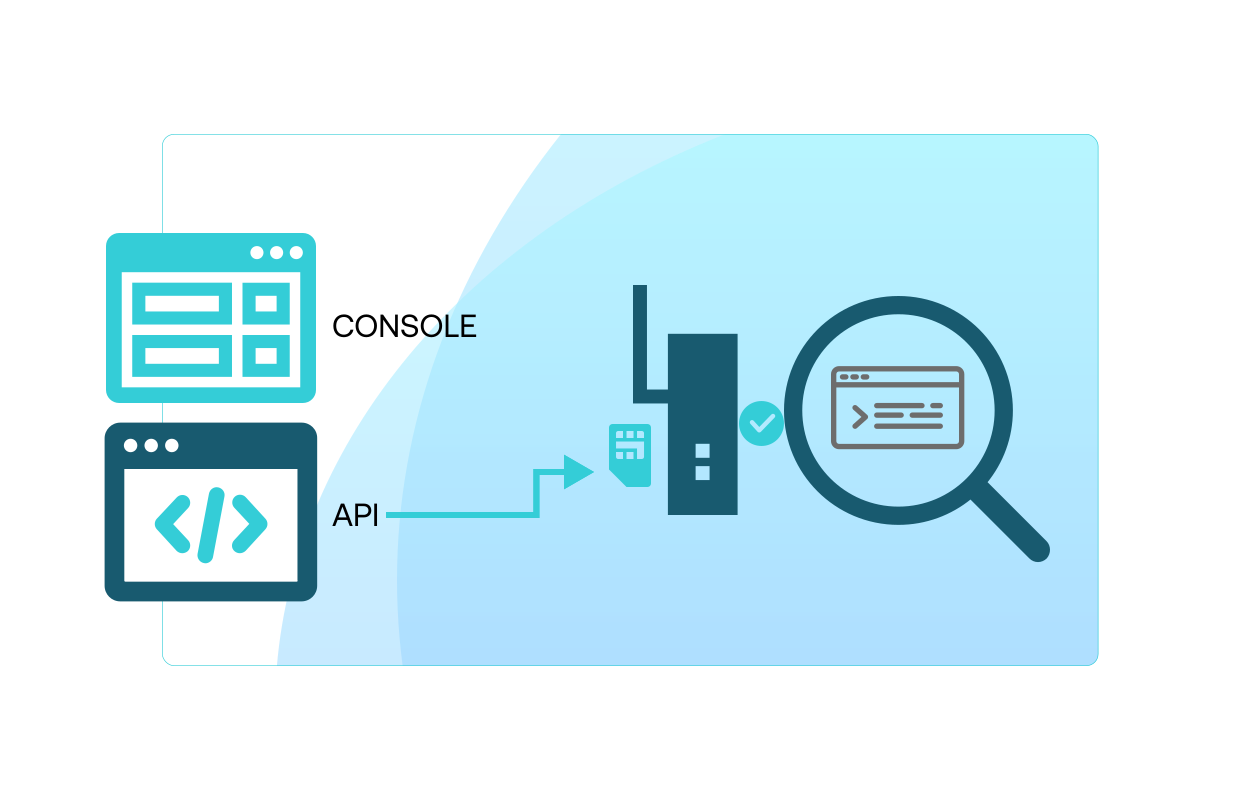
Remote Command provides a managed API that sends commands or data from the cloud to your IoT devices over SSH, HTTP, TCP, UDP, or RTSP—using Soracom’s secure private network. This simplifies the challenge of cloud-to-device communication and unlocks remote provisioning, updates, control and diagnostics.

Trigger device actions, configure settings, or collect logs—all remotely

Use Remote Command to carry out tasks like initial provisioning of device parameters, triggering firmware updates, capturing snapshots from RTSP cameras, or sending configuration commands via HTTP or TCP. The service operates via Soracom’s API and device-SIM session, so devices do not need public IPs or VPNs—just connectivity through Soracom.

Remote Firmware & Configuration Updates

Trigger firmware upgrades or apply security patches to devices in the field via SSH or HTTP down-links—eliminating the need for on-site visits or proprietary update infrastructure.

Industrial Equipment Control & Diagnostics

Send commands to PLCs, traffic lights, or IoT gateways for status checks, log retrieval, and corrective actions, leveraging multi-protocol support (TCP/UDP/SSH) across your cellular fleet.

Camera Snapshot & Remote REST API Invocation

Capture RTSP snapshots from IP cameras or invoke REST APIs on gateway devices to collect logs, trigger alerts, or lock/unlock—all using a single cloud-to-device channel.
How it works

Multi-protocol command support (SSH, HTTP, TCP, UDP, RTSP)

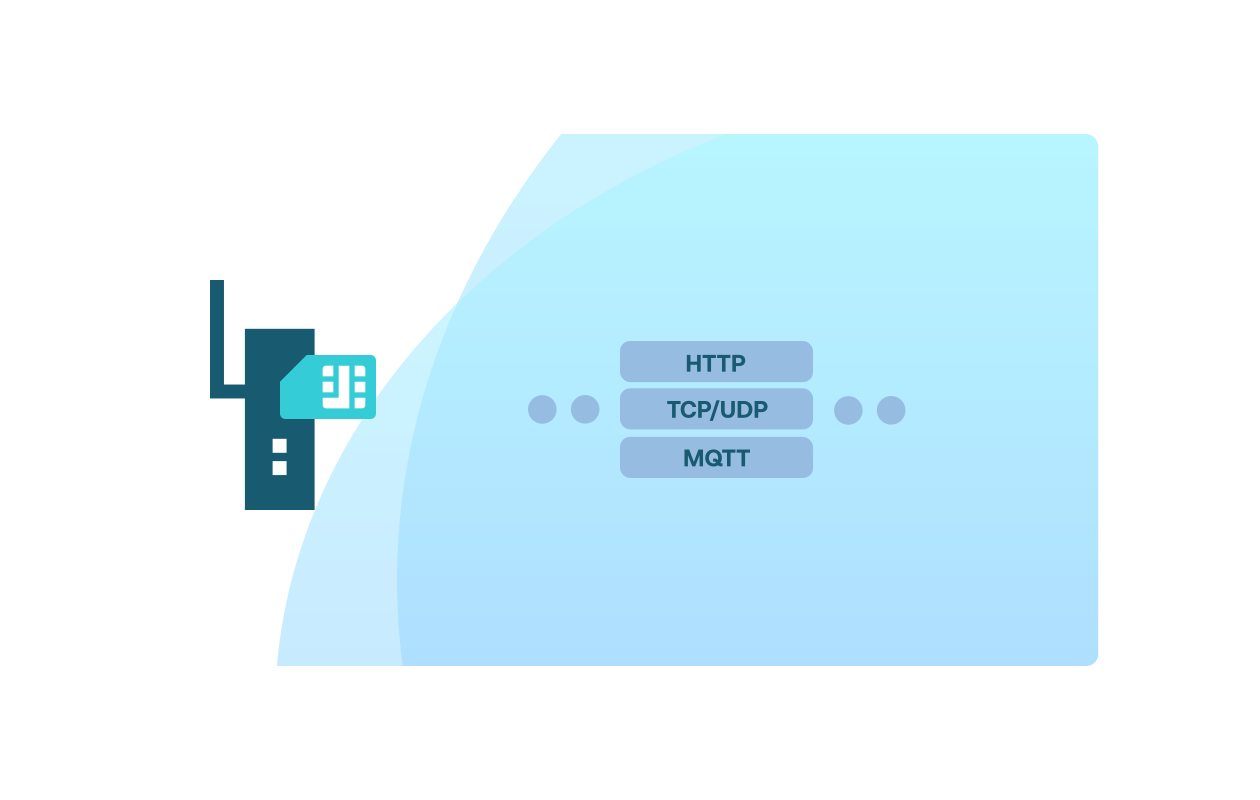
Remote Command supports a broad set of protocols so you can reach devices using whichever protocol they already accept—SSH for gateways, HTTP for REST-APIs, TCP/UDP for custom commands, and RTSP for camera snapshots.

Secure API-based downlink over Soracom private network

Commands are sent via Soracom’s secure core network (not the public internet), authenticated via the Soracom API and subscriber session, providing a simplified, secure cloud-to-device channel.

Remote provisioning, control and diagnostics use-cases

Typical applications include remotely setting up device parameters, triggering firmware/PLC updates, collecting logs, or capturing camera snapshots via RTSP—all managed from the cloud.

Take a shortcut directly to technical documentation

Explore step-by-step setup, code samples, and architectural diagrams in the developer docs, or start a pilot today by connecting a small fleet of devices and streaming data into your cloud of choice.

Implementation

When a command is initiated via the Soracom User Console or API, Soracom selects the subscriber link, reaches the device over the active SIM session, and delivers the downlink command or data. The device responds if supported, and the result is returned to the cloud. Supports multiple protocols with protocol-specific limits (for example: HTTP up to 5 MiB, TCP up to 5 MiB, UDP ~1400 bytes, RTSP snapshot).

Step 1

Enable Soracom Remote Command for your SIM group and configure command settings

Open the Soracom User Console and navigate to the SIM group where you want to enable cloud-to-device command execution.


Enable Soracom Remote Command in the group settings, then specify the command types you want to allow—such as HTTP requests, TCP/UDP messages, SSH access, or custom payloads.

Remote Command creates a secure channel for sending instructions from the cloud to your devices, without exposing them to the public Internet or requiring an open inbound port.


Setup details are provided in the Remote Command documentation.

Step 2

Configure your device to receive and process commands from Soracom

Set up your device to poll or listen for Remote Command requests using the supported protocol for your environment.


Most devices require only a lightweight client or script to periodically check for commands, retrieve payloads, and execute the corresponding action—such as rebooting, updating configuration, capturing logs, or triggering local services.

No inbound connectivity or public IP addressing is required, making Remote Command safe for devices behind NAT or firewalls.


Device integration patterns are outlined in the device setup guide.

Step 3

Send commands from the console or API and monitor execution results

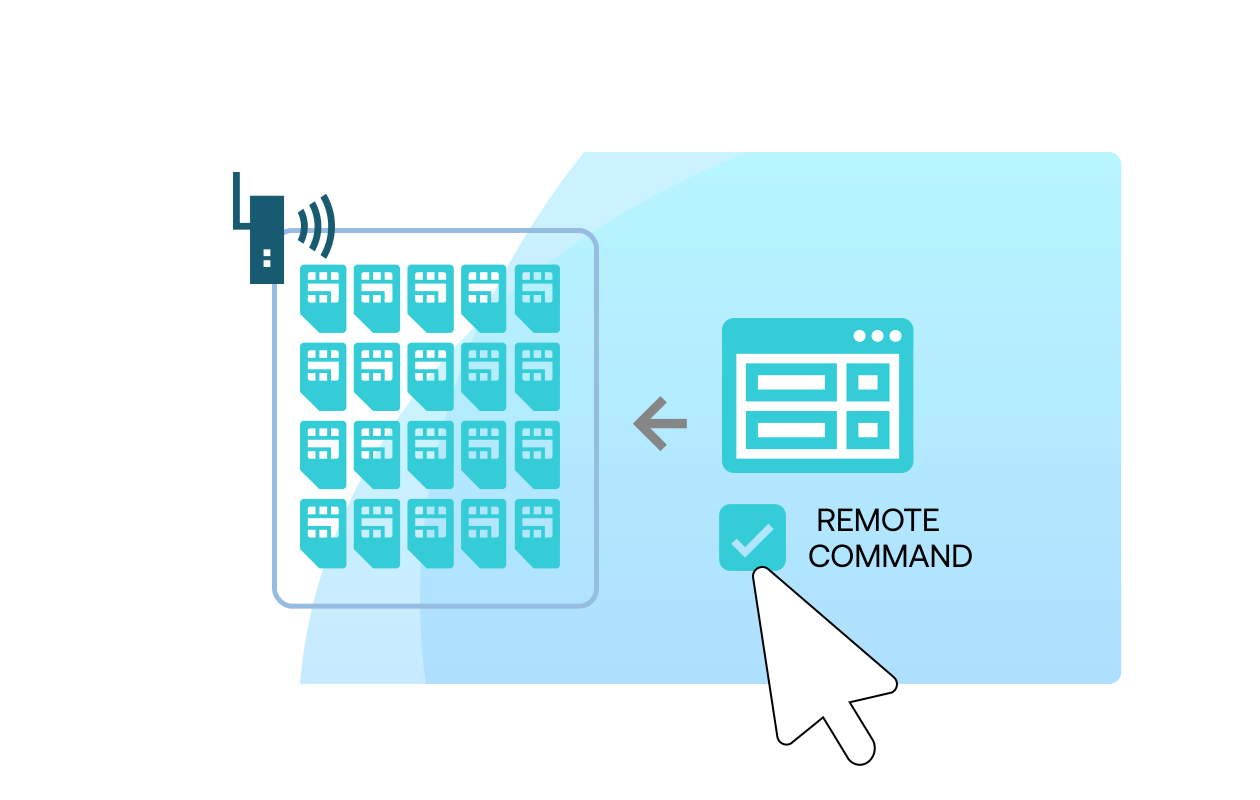
Use the Soracom User Console or API to send individual commands or batch instructions to one or more devices.


Remote Command logs each request, including timestamp, payload, and device response, making it easy to verify successful execution or troubleshoot issues.

You can also integrate Remote Command with Soracom Event Handler or Flux to automate actions—such as sending a command when a sensor threshold is crossed or a device stops reporting.


Learn more about sending and tracking commands in the Remote Command execution guide.

What you’d build without Soracom Remote Command

Build and manage VPNs or keep devices publicly reachable
Deploying persistent tunnels or exposing devices directly via public IPs adds cost, maintenance, and security risk.

Develop custom command-relay infrastructure
You’d need intermediate servers, secure bridging between cloud and devices, and custom APIs to support downlink commands.

Prioritize one protocol at a time
Without Remote Command, each device interface could require its own command path (FTP, MQTT, HTTP, proprietary TCP) making operations fragmented.

#

Start sending commands to your devices with Soracom Remote Command

Create a free Soracom Operator ID and unlock secure remote command capabilities, from SSH to HTTP, TCP, UDP and RTSP.

Get started

Frequently Asked Questions

What is Soracom Remote Command?
A service that enables cloud-to-device commands over SSH, HTTP, TCP, UDP or RTSP via Soracom’s secure private network.
Does it require a public IP on the device?
No. It works via the device’s active SIM session inside the Soracom network; no public IP or VPN required.
Are there limits on data size or response time?
Yes. For example: HTTP up to 5 MiB; TCP up to 5 MiB; UDP ~1,400 bytes (practical limitation); 10-second timeout for device response.
How does Funnel handle failures or retries?
Funnel manages delivery to cloud services in the background, including retries based on cloud responses. Devices are isolated from transient issues in downstream services, reducing error handling complexity on the device.
Which protocols does it support?
SSH, HTTP/HTTPS, TCP, UDP, RTSP (snapshot only) are supported.
What are some use-cases?
Initial parameter setting, firmware over-the-air updates, remote log collection, RTSP snapshot capture, remote configuration, device control (e.g., traffic lights) or low-power eDRX device wake-ups.
Can Remote Command be fully automated?
Yes. You can trigger commands programmatically via the Soracom API or integrate in automation workflows (e.g., via Flux).
Can I use Funnel together with other Soracom services?
Yes. Funnel is often combined with Beam for protocol conversion, with Canal or Door for private networking, and with Harvest and Lagoon for quick visualization alongside cloud analytics.