What you’d build without Soracom Funk
|
A custom API gateway or relay server
Cloud SDKs and TLS logic inside device firmware
Complex credential distribution workflows |

Networking Service
Soracom Funk
Serverless cloud function integration that lets device data trigger AWS Lambda, Azure Functions, or Google Cloud Functions without requiring SDKs or credentials on the device.
Trigger cloud functions directly from your devices with no backend to maintain
Soracom Funk forwards device data directly into serverless compute environments like AWS Lambda, Azure Functions, and Google Cloud Functions. This eliminates the need for devices to run cloud SDKs or maintain credentials and removes the operational overhead of building and scaling a custom backend.
Run your application logic in the cloud without adding complexity to your devices
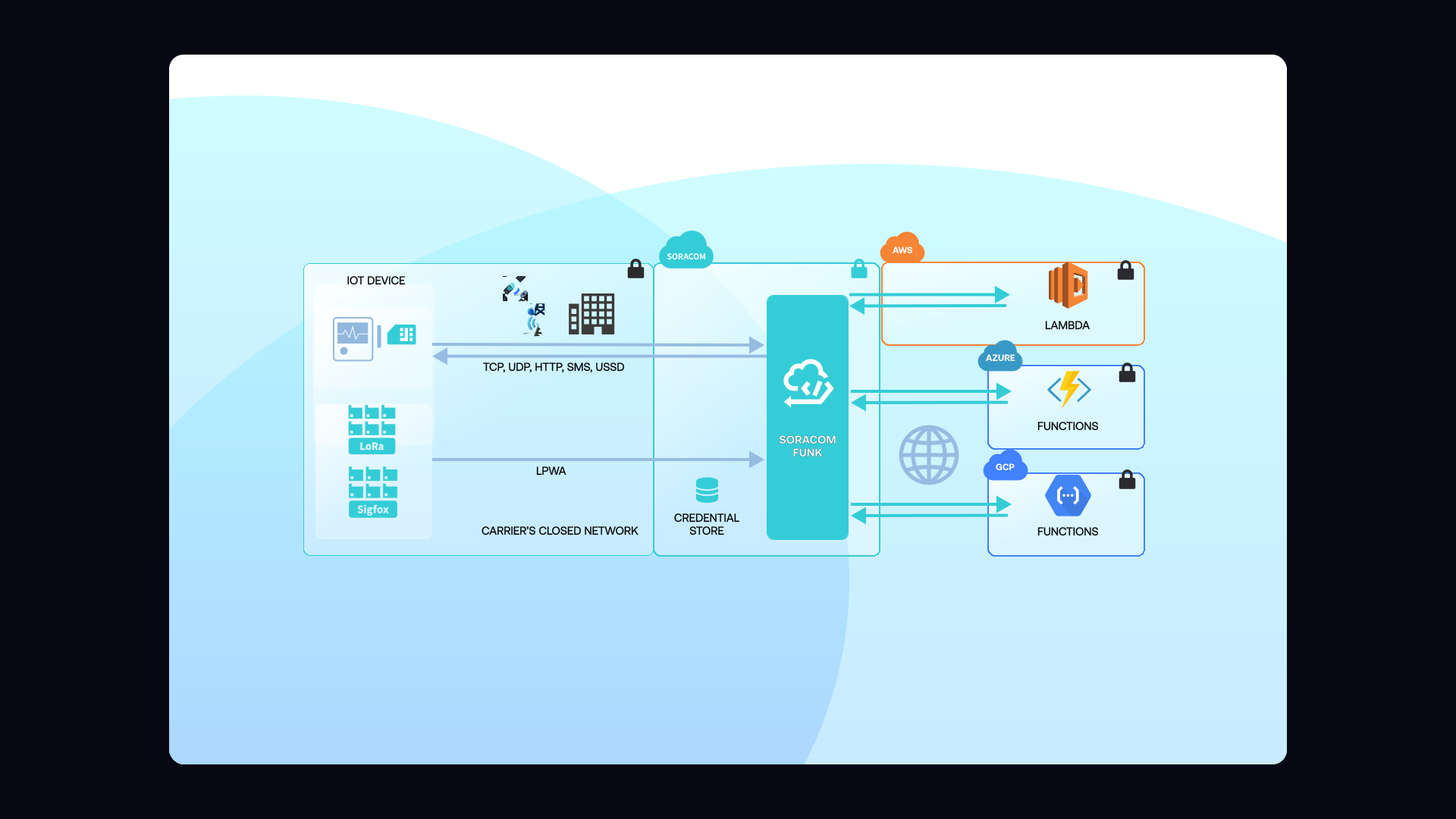
Funk allows devices to send simple HTTP, TCP, or UDP messages to Soracom, which then invokes your cloud function on their behalf. Soracom securely stores and injects the necessary cloud credentials, formats the event payload, and manages retries or errors. That means you can push logic, validation, and processing into your cloud functions—while keeping device firmware fast, lightweight, and battery-friendly.
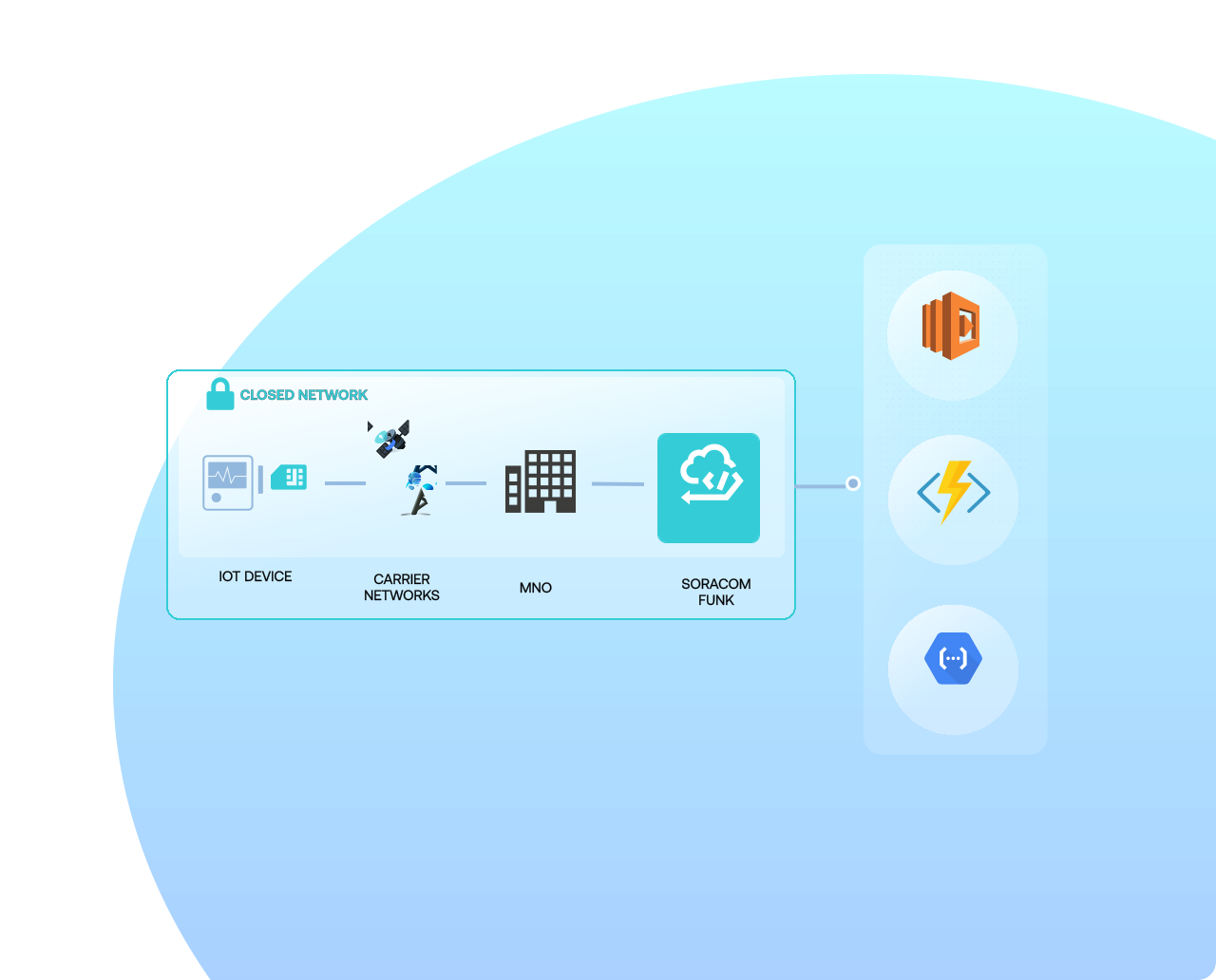
How it works
Invoke cloud functions directly from devices
Funk passes device data straight into AWS Lambda, Azure Functions, or Google Cloud Functions—removing entire layers of backend routing, SDK handling, and infrastructure management.
Requires no credentials or SDKs on the device
Funk securely manages IAM roles, Azure SAS credentials, and GCP service accounts inside the Soracom platform. Devices only send basic payloads to Soracom, and Funk injects the necessary authentication on the cloud side.
Move logic from firmware into the cloud
Funk lets you offload parsing, validation, routing, or decision logic into cloud functions. This reduces firmware size, speeds up development, and enables instant feature updates without touching deployed hardware.
Why use Soracom Funk for your project?

Reduce firmware logic
Move parsing, routing, and processing into the cloud where updates are easy and instant.

Protect credentials
Keep IAM roles and SAS tokens in the platform instead of storing them on devices.
Scale automatically
Use cloud autoscaling functions instead of building your own backend.
Architecture and implementation
Soracom Funk provides a direct, secure path from device to cloud function. Devices send simple payloads via HTTP, UDP, or TCP to a Soracom endpoint. Funk formats the data, injects the appropriate cloud credentials, and invokes your chosen cloud function synchronously or asynchronously depending on platform. Because the function executes application logic in the cloud, teams can update behaviors instantly, test new workflows safely, and build complex pipelines without modifying device firmware.
Step 1
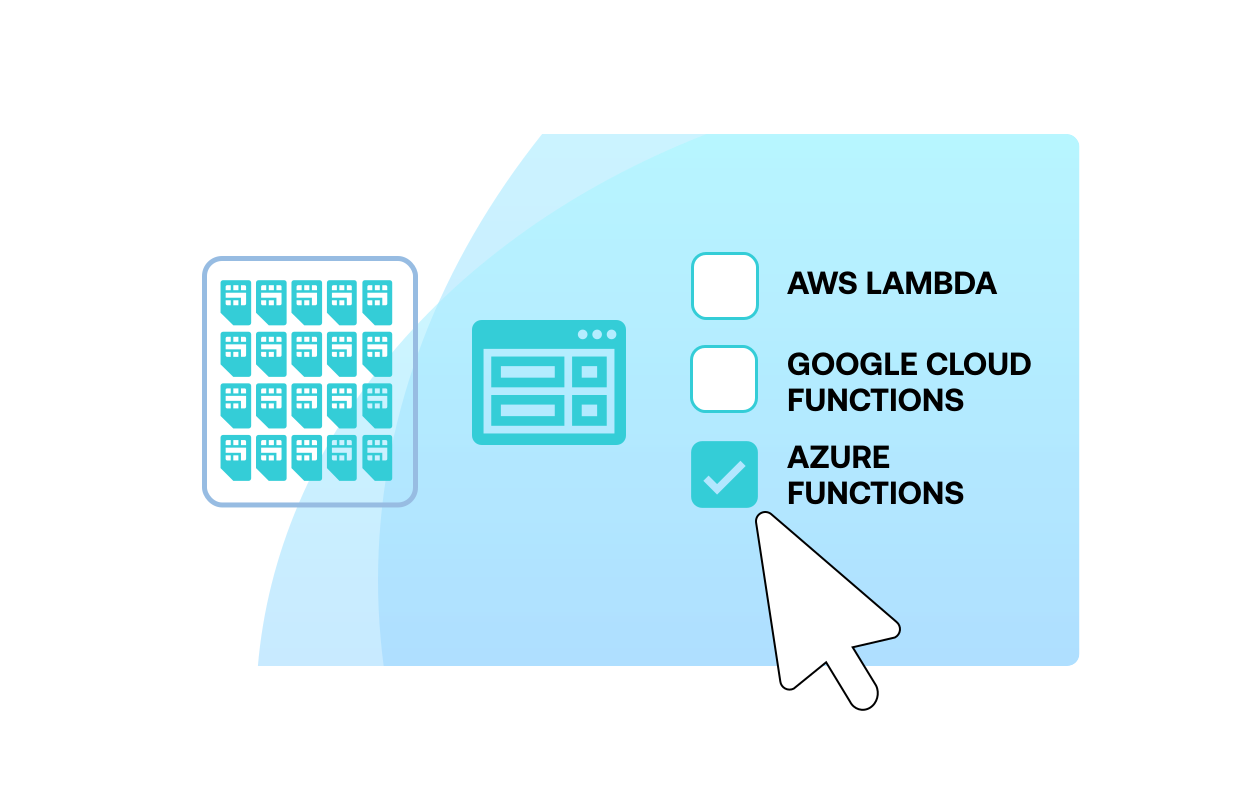
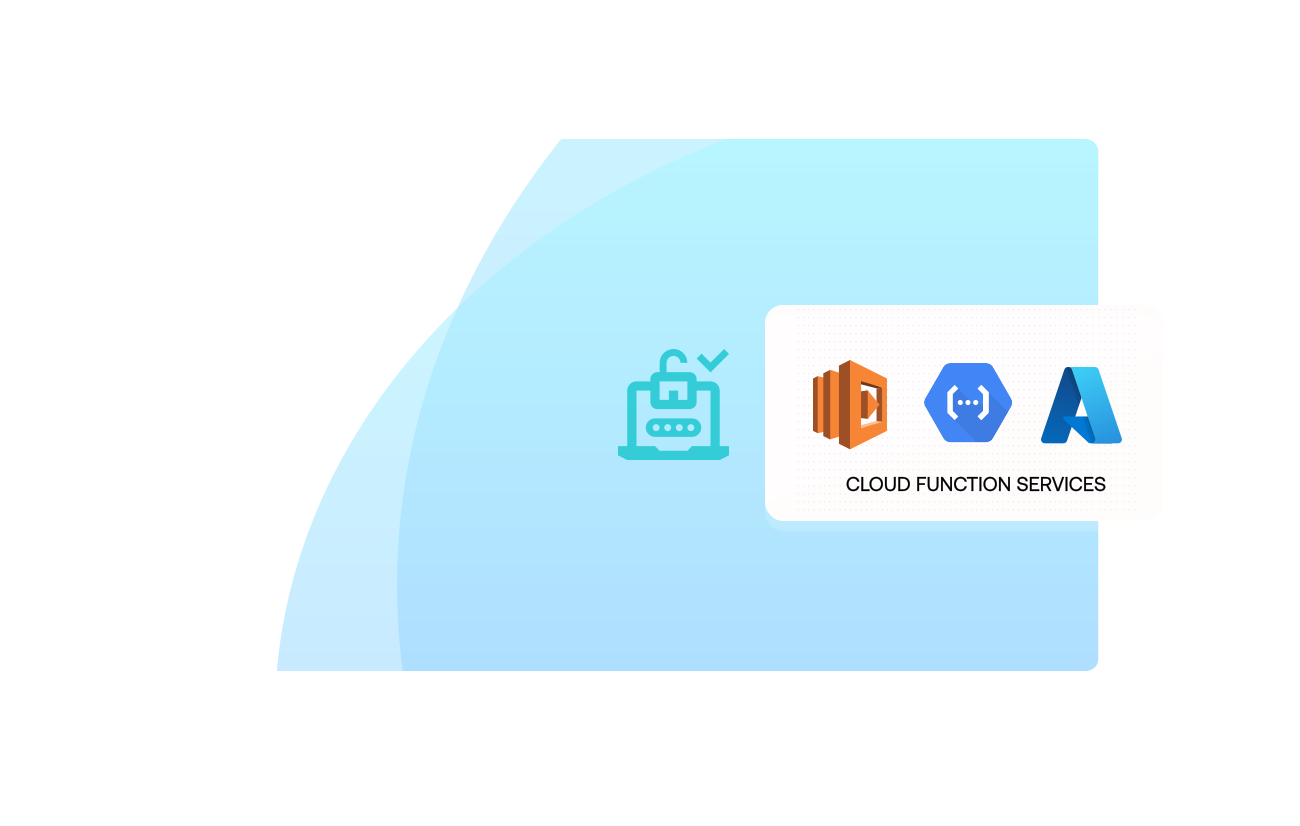
Enable Soracom Funk for your SIM group and select your cloud function provider
Open the Soracom User Console and navigate to the SIM group where you want to run serverless functions on incoming device data.
Enable Soracom Funk in the group settings, then choose the cloud function service you want to invoke—such as AWS Lambda, Google Cloud Functions, or Azure Functions.
Funk integrates directly with your cloud account, allowing devices to trigger serverless functions without storing cloud credentials or executing complex client logic.
Setup instructions are available in the Soracom Funk documentation.
Step 2
Connect Funk to your cloud function and configure authentication
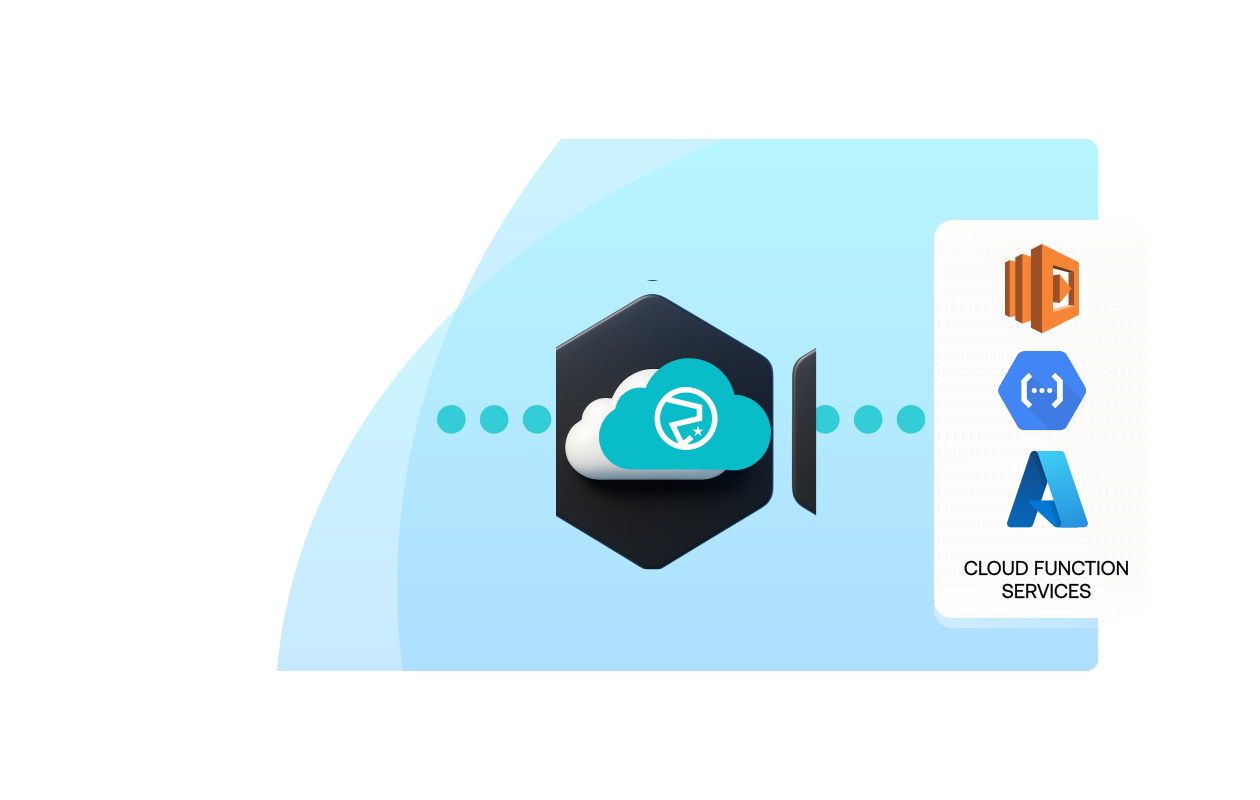
Use the User Console to authorize Soracom to invoke your cloud function by providing the required credentials—such as an AWS IAM role ARN, GCP service account details, or Azure function key.
Once configured, Soracom securely handles authentication and invocation on your behalf, eliminating the need to embed secrets or certificates on devices.
You can also specify environment variables, headers, and payload mappings to control how device data is passed into your function.
Integration steps are outlined in the Funk cloud integration guide.
Step 3
Send device data to Soracom and trigger your serverless function automatically
Update your devices to send data using simple HTTP, MQTT, or TCP protocols to the Soracom platform.
Whenever data arrives, Funk automatically invokes your configured cloud function and passes the payload for processing—such as parsing sensor data, running business logic, or writing to a database.
Use your cloud provider’s monitoring tools to review invocation logs, debug function behavior, or measure performance and cost.
Detailed payload formats are described in the Funk payload documentation.
How Soracom Funk works with other Soracom services
|
Use Funk + Beam for lightweight protocol conversion
Use Funk + Funnel for integrated cloud pipelines
Use Funk + Door/Canal/Direct for private execution paths |
Key takeaways for those that use Funk

Accelerate innovation
Update cloud function logic instantly without touching deployed devices.

Tighten security
Eliminate device-side credential storage and use cloud-managed authentication.

Reduce infrastructure
Remove the need for custom routing servers or API gateways.
Articles about Soracom Funk




Trigger cloud functions from any IoT device using Soracom Funk
Create a Soracom Operator ID and connect a device. In minutes, you can route device payloads directly into AWS Lambda, Azure Functions, or Google Cloud Functions—no backend or SDK required.
Frequently Asked Questions
What is Soracom Funk?
Funk is a serverless integration service that delivers device data directly to AWS Lambda, Azure Functions, or Google Cloud Functions.
Do devices need cloud SDKs?
No. Funk eliminates the need for cloud SDKs, certificates, or credentials on devices.
Can Funk be used for real-time decision-making?
Yes. Funk is commonly used to trigger alerts, decisions, routing logic, or automation workflows in real time.
Can Funk integrate with multi-cloud workflows?
Yes. Funk invokes functions across AWS, Azure, and Google Cloud, making it ideal for hybrid or multi-cloud designs.
What protocols does Funk support?
Devices can send HTTP, UDP, or TCP traffic to Soracom. Funk formats the requests and invokes cloud functions accordingly.
Is Funk synchronous or asynchronous?
Most cloud functions run synchronously, but the overall processing is flexible and depends on the chosen cloud platform.
How do I rotate credentials?
Update IAM roles, SAS tokens, or service accounts within the Soracom Console—devices don’t need updates.
How does Funk compare with Soracom Beam?
Beam handles protocol conversion and proxying; Funk executes your application logic inside the cloud function itself.