What you’d build without Soracom Harvest
|
Create your own database and ingestion API
Spin up dashboards or BI tools for visualization
Implement troubleshooting and logging systems |

Storage Service
Soracom Harvest
Built-in data storage service for quickly collecting, inspecting, and visualizing IoT device data without building a backend.
Collect and review device data instantly without building cloud storage or dashboards
Soracom Harvest lets devices send data directly to the Soracom platform for secure, temporary storage. You can inspect payloads in real time, chart historical values, and verify device behavior—all without provisioning databases, dashboards, or analytics pipelines.
See device data the moment it’s sent—no setup, no servers, no code
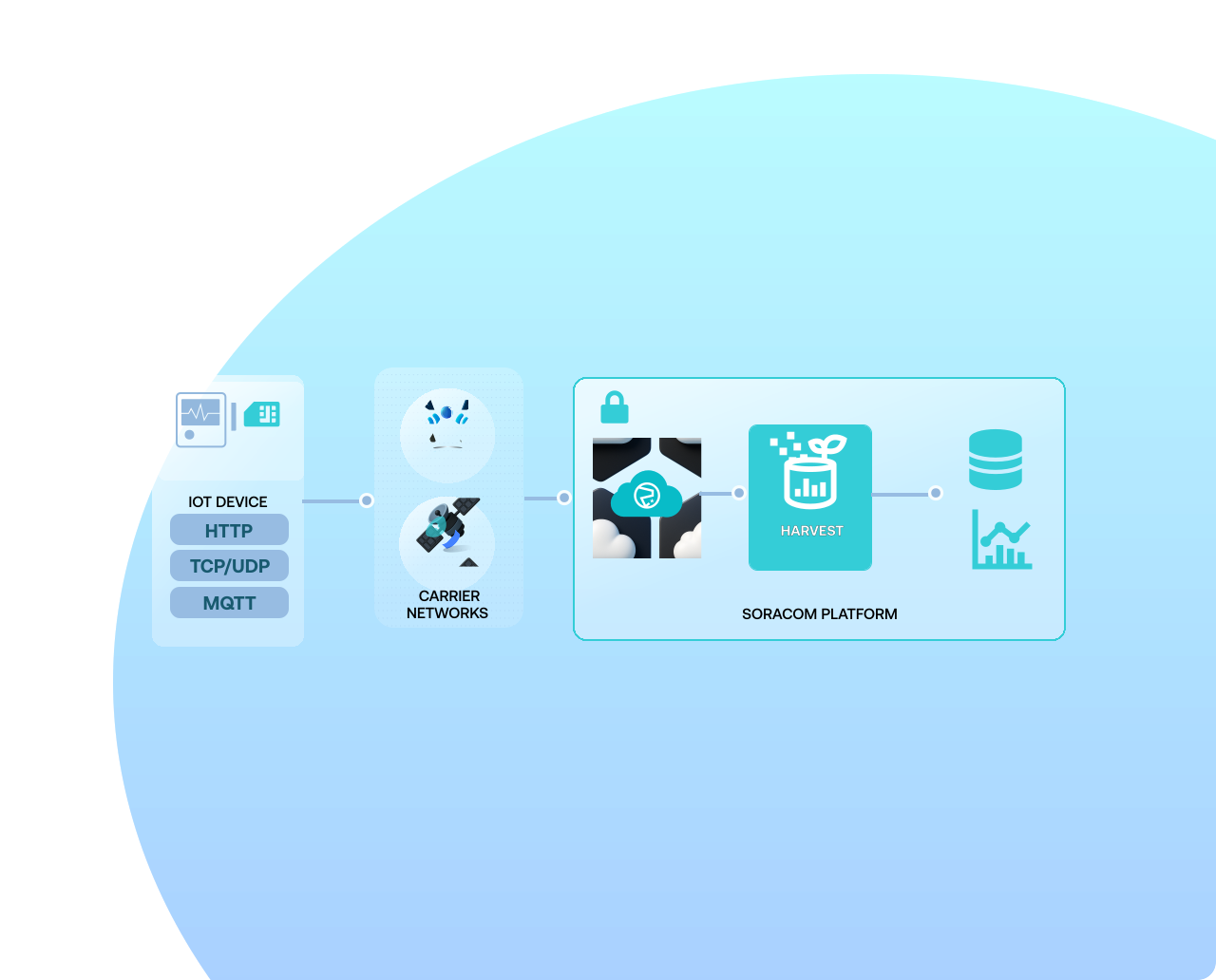
Harvest stores data uploaded using simple HTTP, UDP, TCP, or MQTT calls, making it easy to verify connectivity, debug payloads, test firmware, and monitor early-stage deployments. Data is retained automatically, visible in the console, exportable at any time, and integrates seamlessly with Lagoon for dashboards. It’s ideal for prototypes, troubleshooting, early pilots, and lightweight production monitoring.
Why use Soracom Harvest for your project?
Store data instantly
Avoid provisioning cloud storage or creating ingestion endpoints.

Inspect device behavior
Verify payload formats, connectivity, and sensor patterns in real time.

Visualize trends
Built-in charts make early monitoring and debugging simple and fast.
How it works
Zero-setup data storage for IoT devices
Harvest captures device telemetry without requiring a database, API endpoint, or backend. Devices send raw JSON, text, binary payloads, or sensor values directly to a Soracom endpoint for instant inspection.
Visualize device data in real time
Use built-in charts to see trends, anomalies, or spikes across your fleet. Easily browse records, switch between devices, and export data for deeper analysis or integration with external tools.
Works with any protocol your device already supports
Devices can send data over HTTP, HTTPS, TCP, UDP, or MQTT. No SDKs, credentials, or cloud provider setups required—just send a payload to Harvest and it logs the entry instantly.
Architecture and implementation
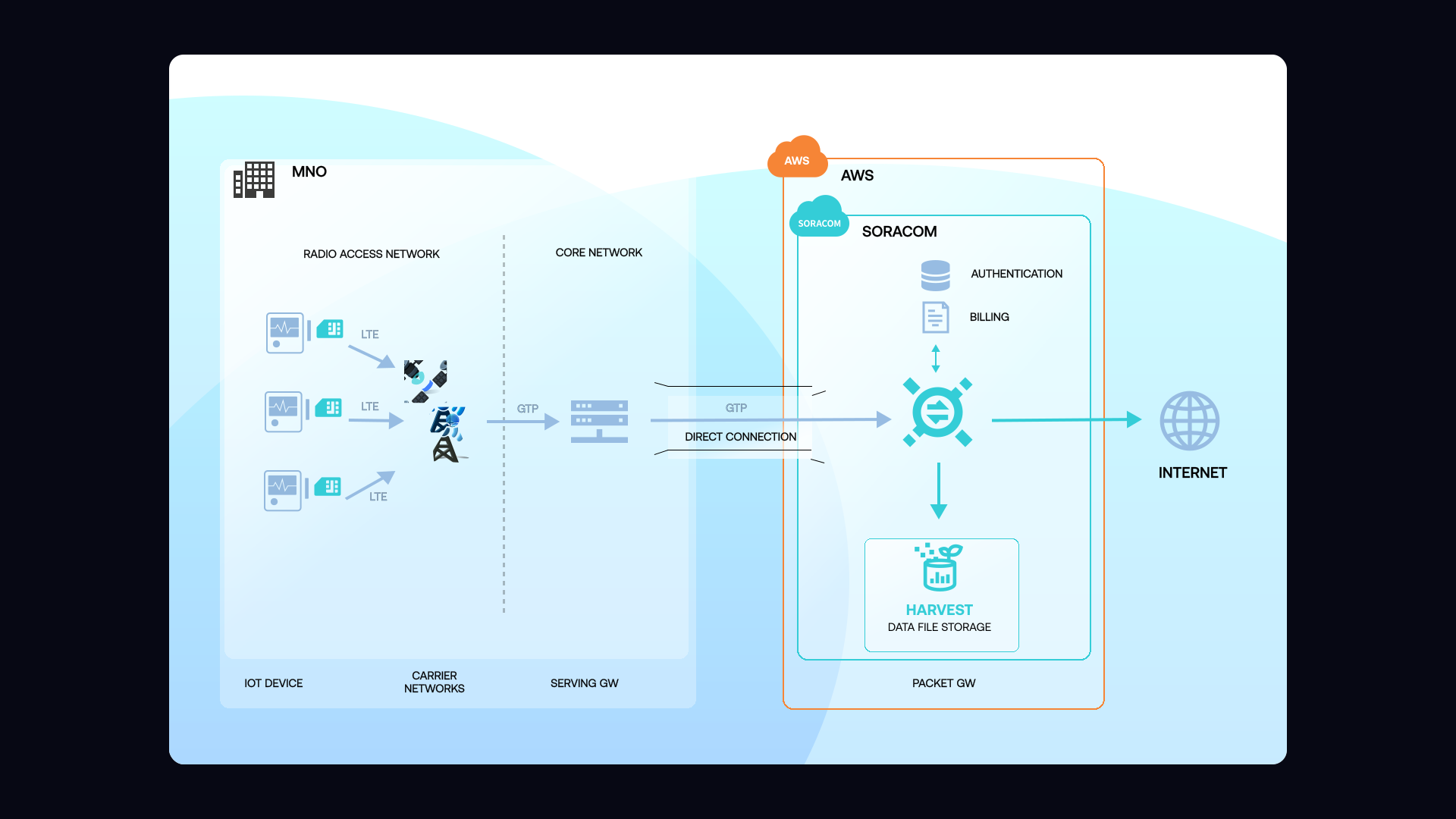
Devices send telemetry directly to Harvest using simple HTTP, UDP, TCP, MQTT, or the Soracom API. Harvest stores each payload along with timestamps and metadata, making it easy to inspect individual entries or review historical trends. The service is ideal during prototype development, field testing, or staging deployments where quick visibility into device behavior is critical. Harvest integrates with Lagoon for visual dashboards as usage scales.
Step 1
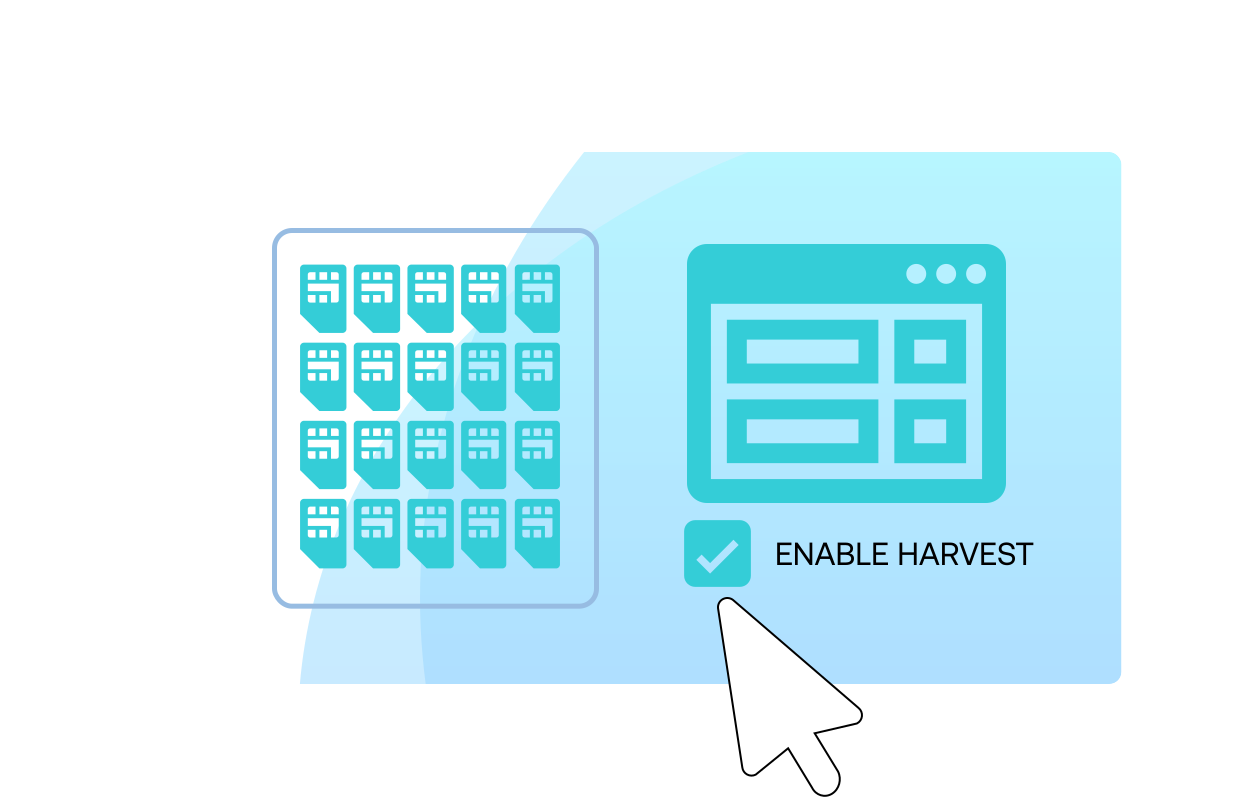
Enable Soracom Harvest Data for your SIM group
Start by logging into the Soracom User Console and opening your target SIM group.
From the group settings, navigate to the Harvest Data section and enable Soracom Harvest for that group.
Once enabled, any device in this group can send data to Soracom and have it stored and visualized in Harvest without additional backend infrastructure.
For detailed setup instructions, see the Harvest Data documentation.
Step 2
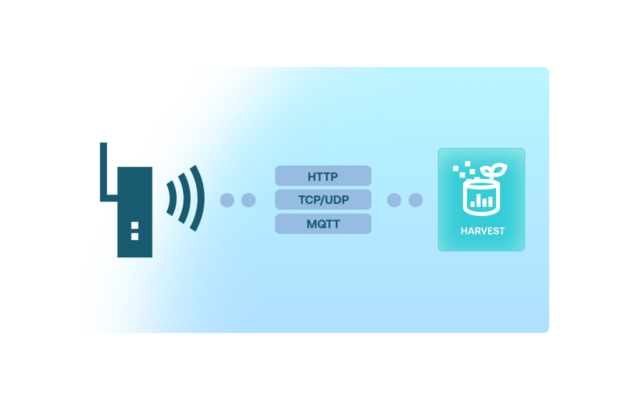
Send device telemetry to Soracom for storage in Harvest
Configure your devices to send telemetry, such as sensor readings or status updates, to Soracom using the supported protocols for your connectivity type.
For Soracom Air or Arc devices, this typically means sending HTTP, UDP, or TCP data to Soracom endpoints associated with your SIM group.
As data arrives, Soracom Harvest automatically stores it and makes it available for time-series visualization and export without any database setup.
Review supported input formats in the Sending data to Harvest guide.
Step 3
Visualize, inspect, and export your data from the Harvest console
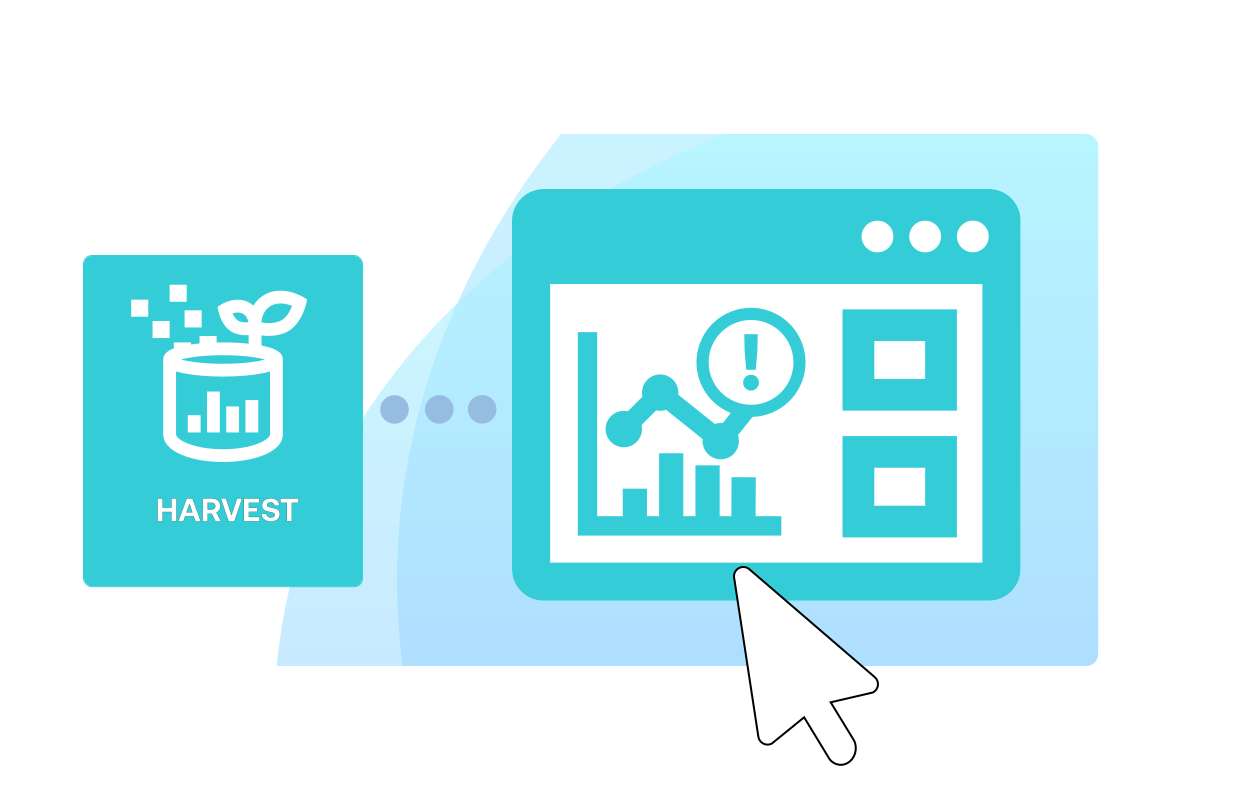
Open the Harvest Data view in the Soracom User Console to inspect incoming telemetry for a specific SIM, group, or time range.
Use built-in charts to visualize trends, validate behavior, and debug device performance.
When ready to integrate with downstream systems, export data or combine Harvest with Soracom Lagoon for dashboards, alerts, and shared visualizations.
Learn more in the Viewing data in Harvest documentation.
How Soracom Harvest works with other Soracom services
|
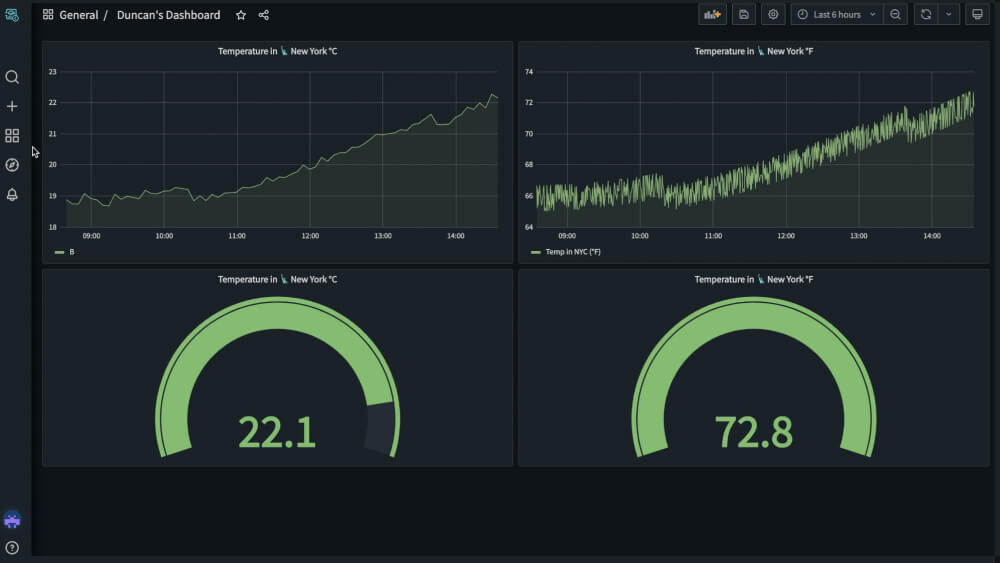
Use Harvest + Lagoon for dashboards
Use Harvest + Beam/Funnel/Funk for hybrid workflows
Use Harvest + Inventory for device insights |

Start collecting IoT data instantly with Soracom Harvest
Create a free Soracom Operator ID and connect a device. In minutes, you can send, store, and visualize telemetry without building any backend infrastructure.
Articles about Soracom Harvest







Frequently Asked Questions
What is Soracom Harvest?
Harvest is a built-in data storage service that collects and visualizes device telemetry without requiring custom backend infrastructure.
How long is data stored?
Harvest stores data for a limited retention window depending on plan and volume; the console displays the retention details for your account.
Can I export the data?
Yes. You can export data from the console at any time for offline analysis or integration.
Do I need to configure storage buckets or credentials?
No. Harvest requires zero setup—just send data and it’s stored automatically.
Which protocols does Harvest support?
Devices can send data using HTTP, HTTPS, TCP, UDP, MQTT, or the Soracom API.
Is Harvest suitable for production workloads?
Harvest is ideal for prototyping, staging, debugging, and lightweight production monitoring. For long-term storage, integrate with Lagoon or external analytics/cloud services.
How does Harvest work with Lagoon?
Lagoon uses Harvest as a direct data source for creating dashboards and charts without code.